CombineSwimLessonPlanningandParentCommunicationinOneFreeApp:SaveHoursPerWeek[2026]
![Combine Swim Lesson Planning and Parent Communication in One Free App: Save Hours Per Week [2026]](/_next/image?url=https%3A%2F%2Fzvblogpostimages.s3.eu-west-3.amazonaws.com%2FAUTOMATISCH_UPLOAD%2F1_906ac9720cf5.jpg&w=3840&q=75&dpl=dpl_6y8pemFaCQo9rBNpVcoYJLr8sehq)
Summary
- Swim instructors spend on average 5 to 8 hours per week on administration and parent communication besides swim lessons
- Combining lesson planning, progress tracking, and parent updates in one app halves that administrative burden
- Swimmigo is a completely free platform that brings swim lesson planning, student tracking, and real-time parent communication together in one dashboard
- With automatic push notifications and digital swim certificates, you keep parents effortlessly informed without extra work
- Thousands of swim instructors worldwide use Swimmigo in 5 languages: the app works in every country and every pool
As a swim instructor, you probably recognize this: you come out of the water after an intensive morning of lessons and instead of resting, you spend the rest of the afternoon typing emails to parents. "How did the lesson go today?" "When is my child ready for the next level?" "Have you seen the holiday exercises?" Every parent wants to be involved in their child's swimming progress. And rightly so. But manually keeping track of all those updates, separate from the lessons themselves, quickly costs you 5 to 8 hours per week.
You could better spend that time teaching swimming. What if there was one app where you combine swim lesson planning, progress tracking, and parent communication? Without separate systems, without double work, without subscription costs. That app exists: Swimmigo. In this article, I will show you how you can merge all these tasks into one free platform with Swimmigo, and how much time you save.
The Problem: Separate Systems for Planning, Progress, and Communication
The Fragmented Reality of a Swim Instructor
Most swim instructors work with a combination of tools. A paper logbook or Excel sheet for planning, separate notes per student for progress, WhatsApp or email for parent communication, and maybe a separate calendar for holidays and special events. This fragmentation comes at a cost: every time you switch tools, you lose context, time, and focus.
International research into administrative burdens in education shows that teachers and instructors spend up to 30 percent of their working time on administration and communication instead of the primary process. For swim instructors, who often work independently or in small teams, that percentage is often even higher. There simply is no secretary answering parent emails or updating progress.
The Hidden Costs of Double Administration
Double administration is not only time-consuming, it also increases the chance of errors. A score you note in the logbook but forget to email to the parent. A level promotion that is still in your head but not on paper. A holiday exercise a parent has checked off but you haven't seen. This mismatch between what you know and what the parent sees leads to frustration on both sides. The parent feels uninvolved, and you have to explain afterwards what happened.
According to the World Health Organization (WHO), drowning is one of the leading causes of death worldwide among children under 14 years old. Good swim lessons save lives. But effective swim lessons require instructors to spend their time in the water, not in their inbox. Every hour you save on administration is an extra hour of attention for safety and skills in the water.
Why Parent Communication Is So Important in Swim Lessons
Parental involvement is a proven success factor in learning to swim. Children whose parents actively follow progress practice more outside of lessons and achieve their swim diploma faster. Research by the National Council for Swimming Safety (NRZ) shows that regular feedback to parents can reduce the duration of swim lessons by an average of 15 to 20 percent. But that feedback must be efficient, without overloading the instructor.
The good news: there is a way to fully combine parent communication, lesson planning, and progress tracking in one free app. And that way is called Swimmigo.
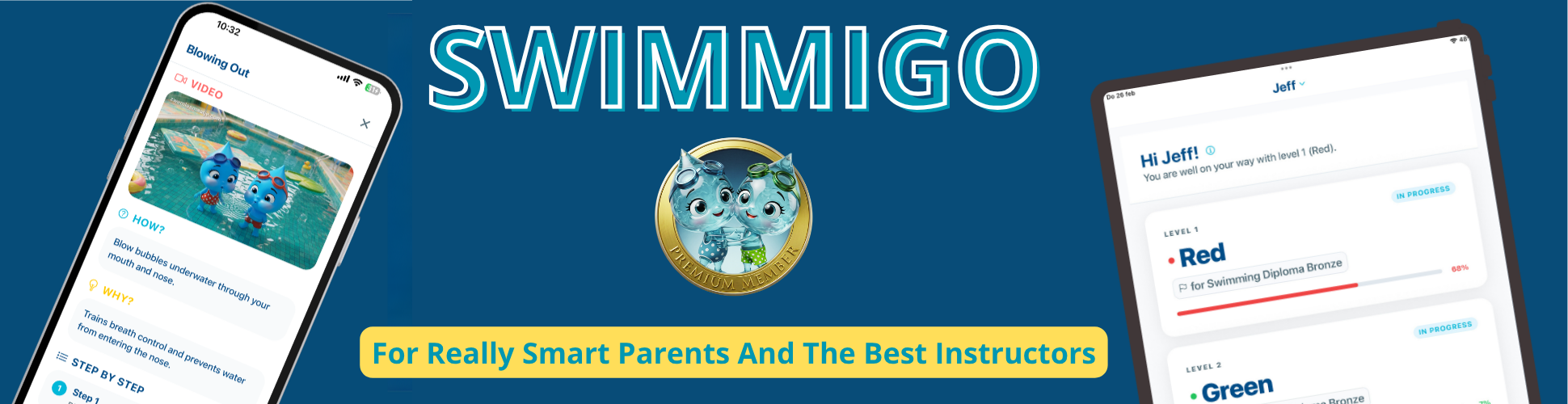
Swimmigo: One Platform for Planning, Progress, and Parent Communication
What Exactly Is Swimmigo?
Swimmigo is a completely free platform for swim lesson progress, built for independent swim instructors and small swim schools. The app combines three core functions in one dashboard: swim lesson planning, a digital student tracking system with 86 skills across 7 levels, and real-time parent communication via a separate parent app. Everything syncs automatically. No separate Excel sheets, no manual parent emails, no double entry.
How the Combined Workflow Works
The workflow in Swimmigo is designed to follow the natural lesson flow. You start by grouping students by swim level. During the lesson, you quickly swipe through the skills list and give scores using the 0-6 smiley system. Those scores are immediately saved and forwarded to the parent app. Parents automatically receive a push notification with every level promotion. At the end of the lesson, you generate a progress overview with one click, and upon completing a level, a personalized digital swim certificate is automatically created.
No step requires you to leave the lesson to communicate separately. The app does the work in the background.
The 7 Levels and 86 Skills as an Objective Measurement
Swimmigo uses a standardized system of 7 levels, from Red (water familiarization) to Gold (fully swim-safe in open water). Each level contains specific skills: floating, treading water, breaststroke, backstroke, swimming underwater, and lifesaving swimming. The 0-6 smiley system makes progress visual and immediately understandable, both for you and the parent. No vague "doing well" or "needs practice," but a concrete score everyone understands.
This standardized system is universally applicable. Whether you teach in the Netherlands, Belgium, Germany, or Spain: the 7 levels cover international swimming safety standards. Swimmigo is available in 5 languages, allowing expat families and multilingual swim schools to use the app without language barriers.

The Biggest Time Savings at a Glance
1. Automatic Parent Updates with Every Score
This is the biggest time saver. In a traditional workflow, you have to manually track what each student did after every lesson and then communicate that separately to parents. With Swimmigo, you update the score during or immediately after the lesson in the app, and the parent sees that change in real time in the parent app. Automatic push notifications ensure the parent is instantly informed. You don’t have to send emails, type WhatsApps, or make phone calls.
2. Digital Swim Certificates Without Printing
Once a student masters all skills of a level, Swimmigo automatically generates a personalized digital swim certificate. The child’s name, achieved level, and date are on it. Parents can share, print, or save the certificate. For levels 5, 6, and 7, a fully official swim diploma is generated. No separate orders at a printer, no manual fields to fill, no hassle. This saves not only time but also material costs.
3. Lesson Planning That Updates Itself
When a student achieves a level, Swimmigo automatically adjusts the group division. Students can be moved between groups with a swipe. Absences are processed immediately. Want to temporarily place a student in another group due to vacation or catch-up? That also works with one gesture. The planning is always up to date without manual list updates.
4. Multi-Instructor Collaboration Without Confusion
Do you work with multiple instructors? In Swimmigo, each instructor has their own login and sees exactly their groups. Changes made by one instructor are immediately visible to colleagues and parents. No more "who updated that score?" or "which logbook was that in again?" The system tracks who did what, and all data is centrally available. Ideal for swim schools with multiple locations or instructors rotating between groups.
5. Holiday Mode: Parents Track Exercises Themselves
A particularly handy feature is holiday mode. Is a student going on vacation but the parent still wants to track exercises at the pool? Then the parent can check off completed exercises in the parent app. Upon return, you as instructor see exactly what was practiced and can confirm progress. This prevents the weekly question "Did you swim during the holiday?" and the subsequent discussion about what was or wasn’t achieved.
Who Benefits Most from Combining Planning and Parent Communication?
Independent Swim Instructors Without Administrative Support
Are you a freelancer who teaches lessons and handles all side tasks? Then the time savings with Swimmigo are greatest. You have no assistant, no secretary, no management layer. Everything you can automate in administration directly gives you more time for teaching swimming or for yourself. Independent instructors report saving 3 to 5 hours per week after switching to Swimmigo.
Small Swim Schools That Want to Grow Without Extra Overhead
A swim school with 3 to 5 instructors and 150 to 300 students runs on trust and word of mouth. But growth brings more administration. Swimmigo scales along without extra costs. You can add unlimited instructors, students, and locations, and the app remains free no matter how big you get. This makes it an ideal platform for swim schools wanting to professionalize without investing in expensive software.
Swim Schools with International Clients or Expat Families
Do you teach in a region with many expats or just across the border? Swimmigo is available in 5 languages: Dutch, English, German, French, and Spanish. The parent app automatically adjusts to the device’s language. A Spanish-speaking parent sees progress in Spanish, while you as instructor work in Dutch. This significantly lowers communication barriers and prevents misunderstandings about swim lesson progress.
Practical Example: A Morning with Swimmigo vs. Without
Without Swimmigo: The Traditional Morning
08:45: You arrive at the pool and grab your paper logbook and last week’s group division. You see two students have canceled via WhatsApp, but that wasn’t yet in your schedule. You adjust it manually. 09:00-11:00: You teach three groups of swim lessons. Between lessons, you quickly scribble scores in your logbook, but with group 3 you forget to note two scores because a parent talks to you at the showers. 11:30: At home you open your laptop. You type 12 individual emails to parents with updates about today’s lesson. You get 3 emails back with questions about the next level. 12:30: You update the Excel group division for next week. 13:15: Done. Total time after lessons: 2 hours and 15 minutes of administration.
With Swimmigo: The Same Morning, Streamlined
08:45: You open the Swimmigo app on your phone. The group division is ready, cancellations already processed. 09:00-11:00: You teach three groups of swim lessons. While changing, you quickly swipe through scores per student. In group 2, you see a student is ready for the Green level: you tap "level promotion" and the parent immediately gets a push notification. 11:15: You get out of the pool. Everything is already updated. Parents have already received the updates. You didn’t have to type a single email. Total time after lessons: 0 minutes of administration.
This is no exaggeration. This is how instructors who work with Swimmigo describe their mornings. The difference lies in the automatic connection between planning, progress, and communication. One action in the app triggers all three processes simultaneously.
How to Get Started with Swimmigo?
Step 1: Create a Free Account
Go to swimmigo.com and register as an instructor. Creating an account takes less than two minutes. You don’t need a credit card because Swimmigo is completely free and will remain so. There are no subscription plans, no premium upgrades, and no hidden costs.
Step 2: Add Your Pool and Groups
After registration, add your pool location and create groups per level: Red, Orange, Yellow, Green, Blue, Indigo, and Gold. This is the moment to digitize your current paper or Excel setup. The system is flexible: you can always adjust, split, or merge groups later.
Step 3: Invite Students and Parents
Add your students to the groups. Parents automatically receive an invitation for the Swimmigo parent app. From that moment, they see their child’s progress in real time. You can also import existing contacts if you start with a larger group.
Step 4: Teach Your First Lesson with the App
During your first lesson, open the group view and swipe through the skills list. The 0-6 smiley system is intuitive and works quickly, even with wet fingers on the pool edge. After the lesson, check if everything is updated; usually, this is already done while the children are changing.
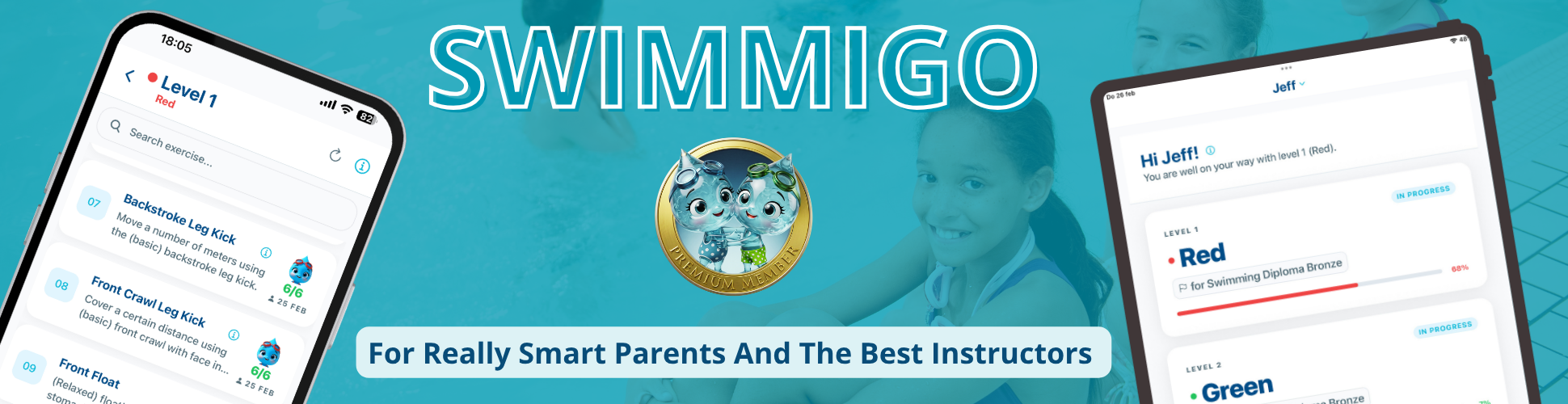
What Other Swim Instructors Say About Swimmigo
"I Got My Saturday Afternoon Back"
An independent swim instructor from Utrecht says: "Before Swimmigo, I lost every Saturday afternoon sending progress emails to parents. Now I do everything during the lesson in the app, and parents check whenever they want. I got my Saturday afternoon back and parents are actually more involved because they can follow everything in real time."
"Our German Clients Finally Understand the Progress"
A swim school in the border region with Germany: "We had many German clients who didn’t understand the Dutch ABC system. With Swimmigo, they see the 7 levels and 86 skills in their own language. Questions about 'what level is my child now?' have decreased by 80 percent. The multilingual parent app has been a game changer for us."
"With Three Instructors at Two Locations, It Works Flawlessly"
A small swim school with two locations and three instructors: "We worked with three different Excel files that never synced. Now everyone has the same app and we all see the same up-to-date data. It saves us at least an hour per person per week in coordination and corrections."
Conclusion
Combining swim lesson planning and parent communication in one app is the biggest time saver a swim instructor can implement. Swimmigo offers both functionalities completely free, in one clear dashboard, available in 5 languages and usable worldwide. Less administration means more attention for what really matters: giving good swim lessons and watching children grow safely in the water.
Want to know more? Also check our instructor page for all features, the student tracking system in detail, or read about the 7 swim levels used by Swimmigo.
Sources
Bob van Soest
As an expert in operating sports facilities (such as swimming pools) and developer of, among others, Swimmigo.com, I am passionately committed to making swimming lessons simpler, more fun and more insightful for parents, swimming instructors and everyone who wants to learn to swim.
Frequently Asked Questions
Related articles

Effectively Involving Parents in Their Child's Swimming Lesson Progress
Practical tips for good communication and collaboration with parents about their child's swimming lesson progress.

Improving Swimming Lesson Progress for Better Parent Communication
Discover how to clearly record swimming lesson progress and communicate effectively with parents for more involvement and better understanding.

Effectively Informing Parents About Swimming Lesson Progress
Practical tips to clearly and engagingly inform parents about their child's swimming lesson progress.
Discover Swimmigo
The all-in-one app for swimming lesson progress. For parents, swim schools, and adult swimmers.