Video Explanation
Watch how Swimmigo works on your phone or tablet.
For parents
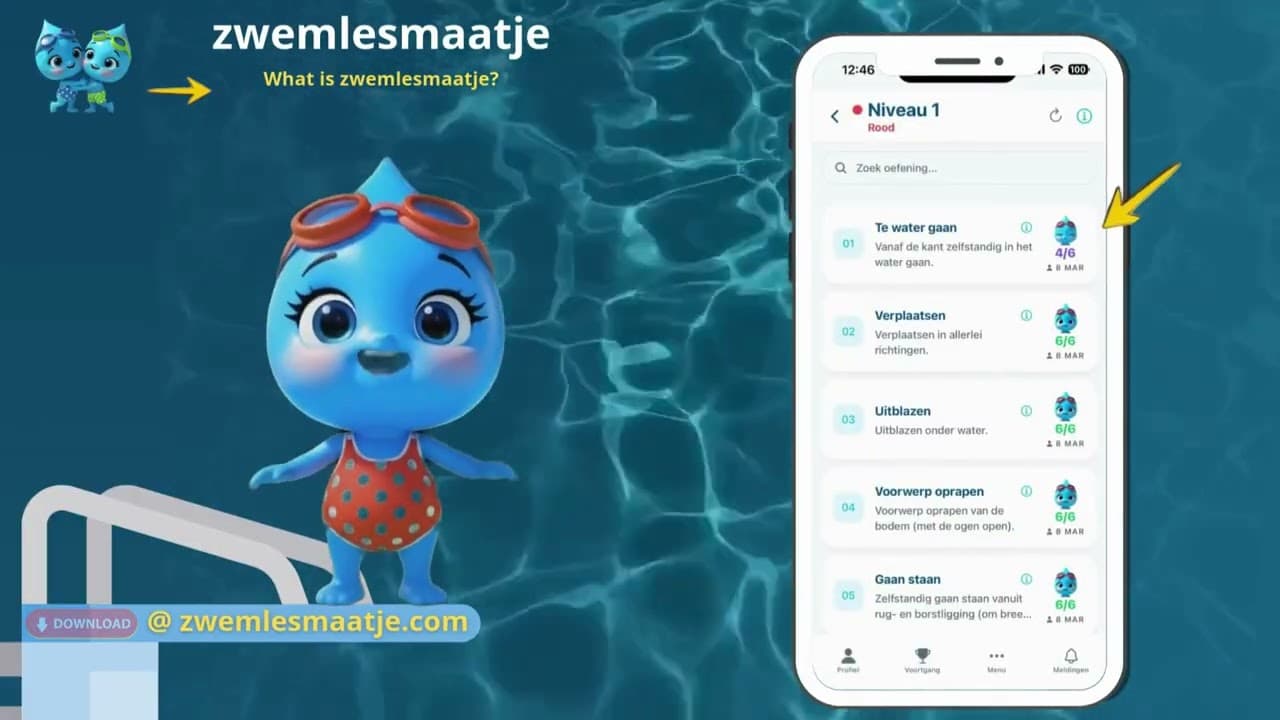
What is Swimmigo?
Discover how Swimmigo helps parents and children during the swimming journey.
Summary
A short introduction to the app. Learn how to manage everything surrounding swimming lessons in one place as a parent or adult student.
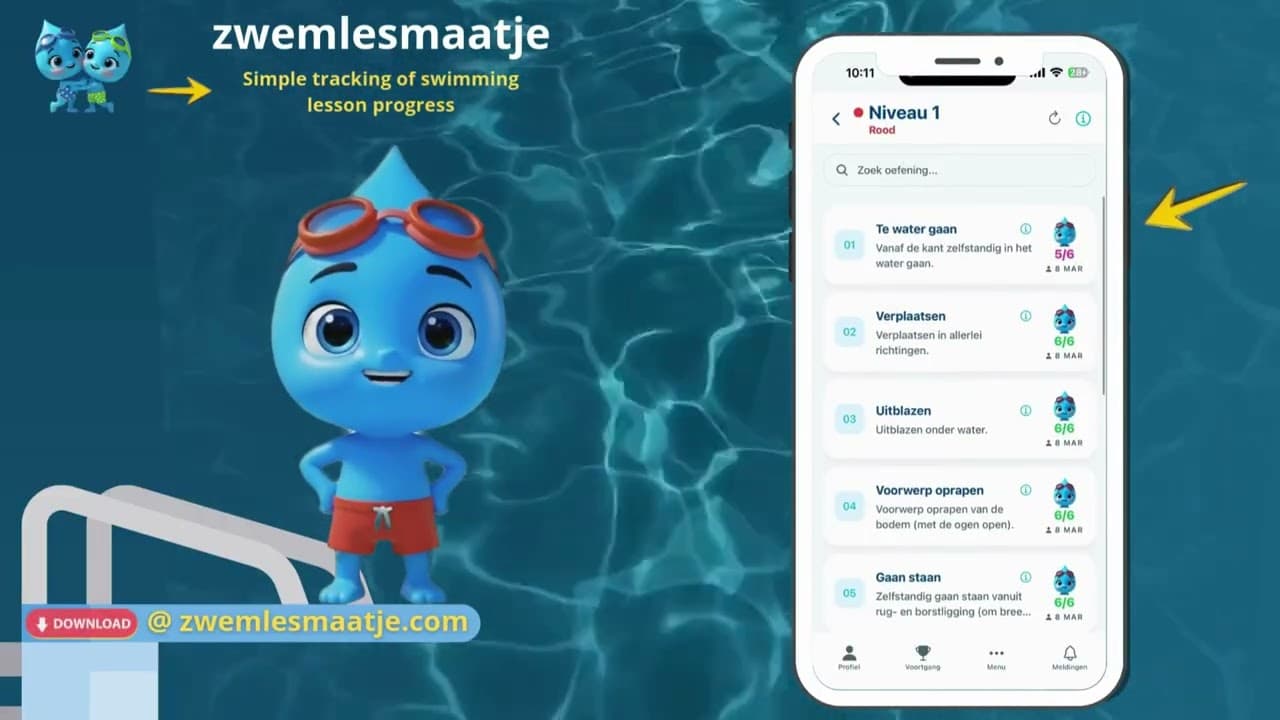
How do you update progress?
Step-by-step explanation for updating swimming progress in the app.
Summary
Discover how simple it is to check off skills, update scores and see your progress in the app.
For swim schools
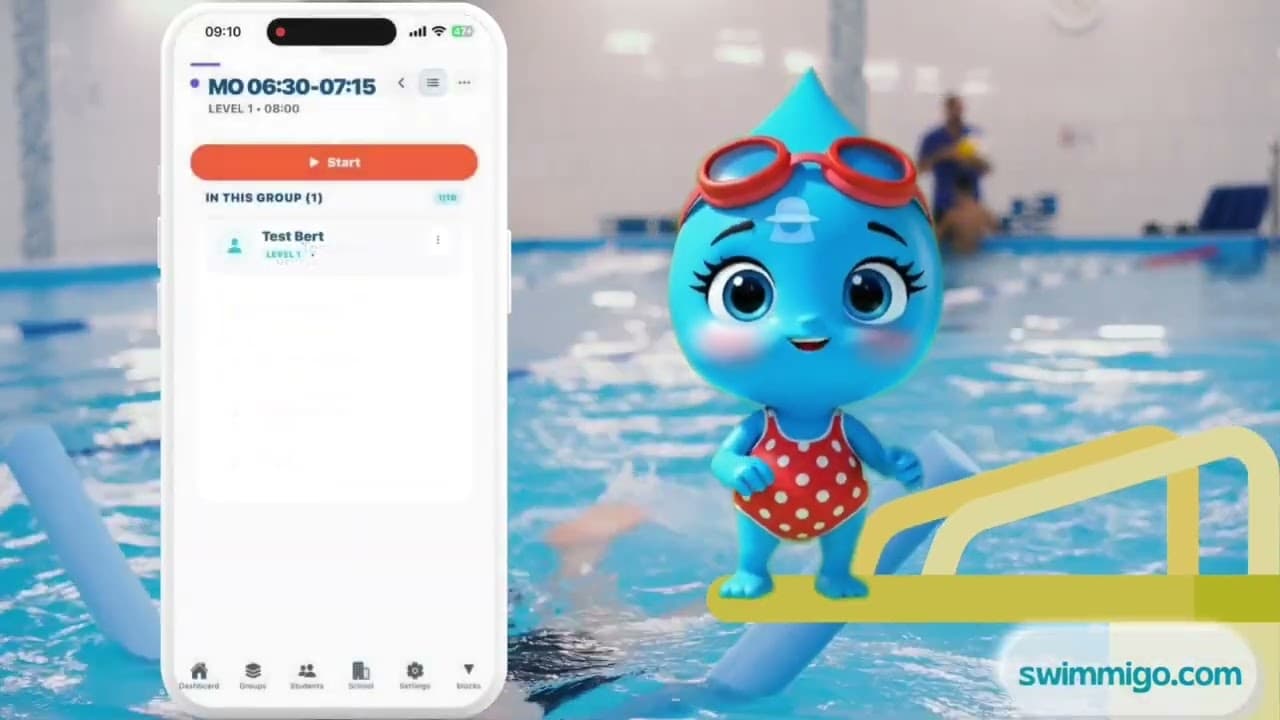
How to Transfer a Student Between Swim Groups
Step-by-step guide for transferring a student to another group.
Summary
Move a student to a new swim group in a few taps — whether they're advancing a level or changing times.
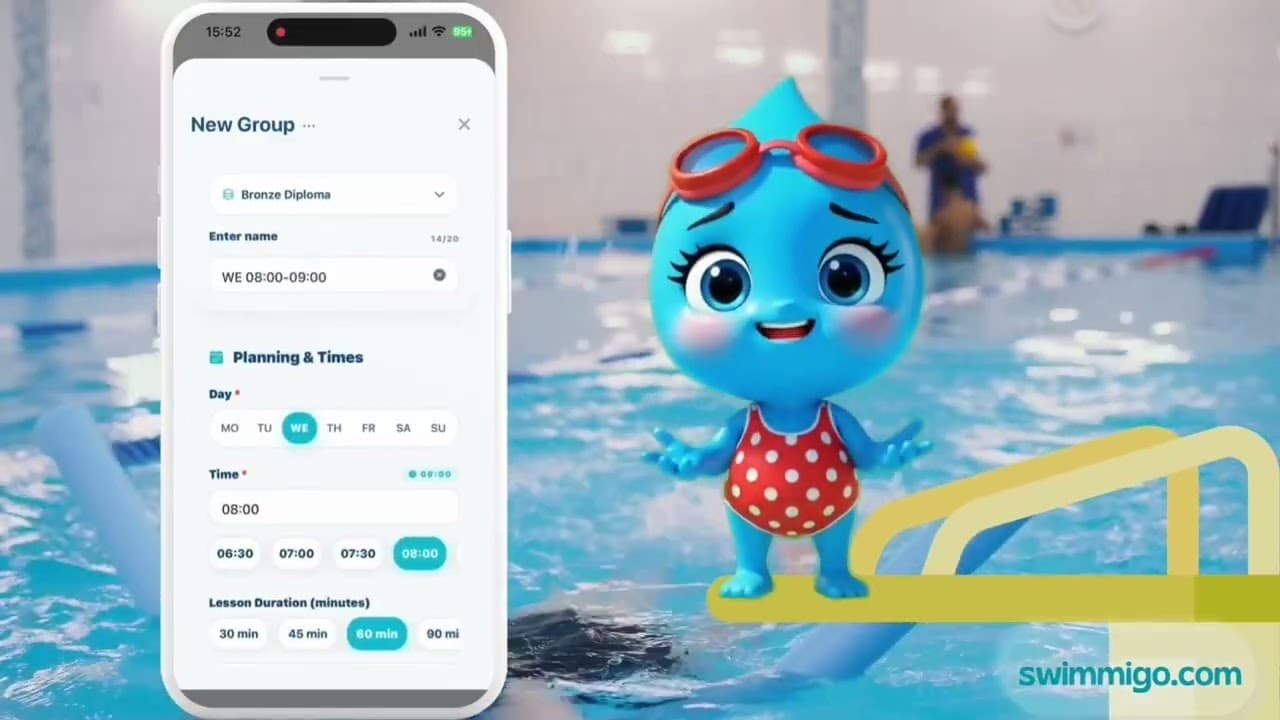
How to Create a Swimming Lesson Group Easily
Step-by-step guide for creating a new swim group in the app.
Summary
Create a new swim group in a few steps: name, day, time, duration, level and maximum group size.
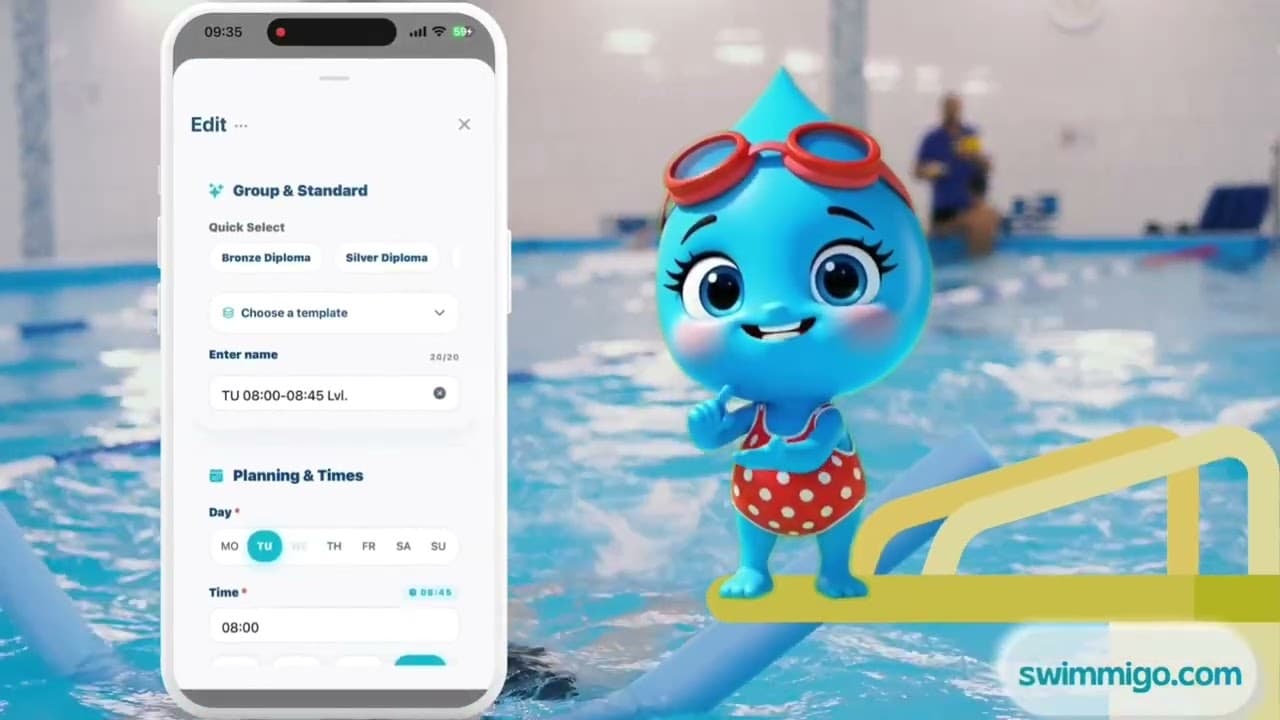
How to Edit an Existing Swimming Group
Step-by-step guide for editing an existing swim group.
Summary
Change the name, day, time, duration or levels of an existing swim group and save instantly.
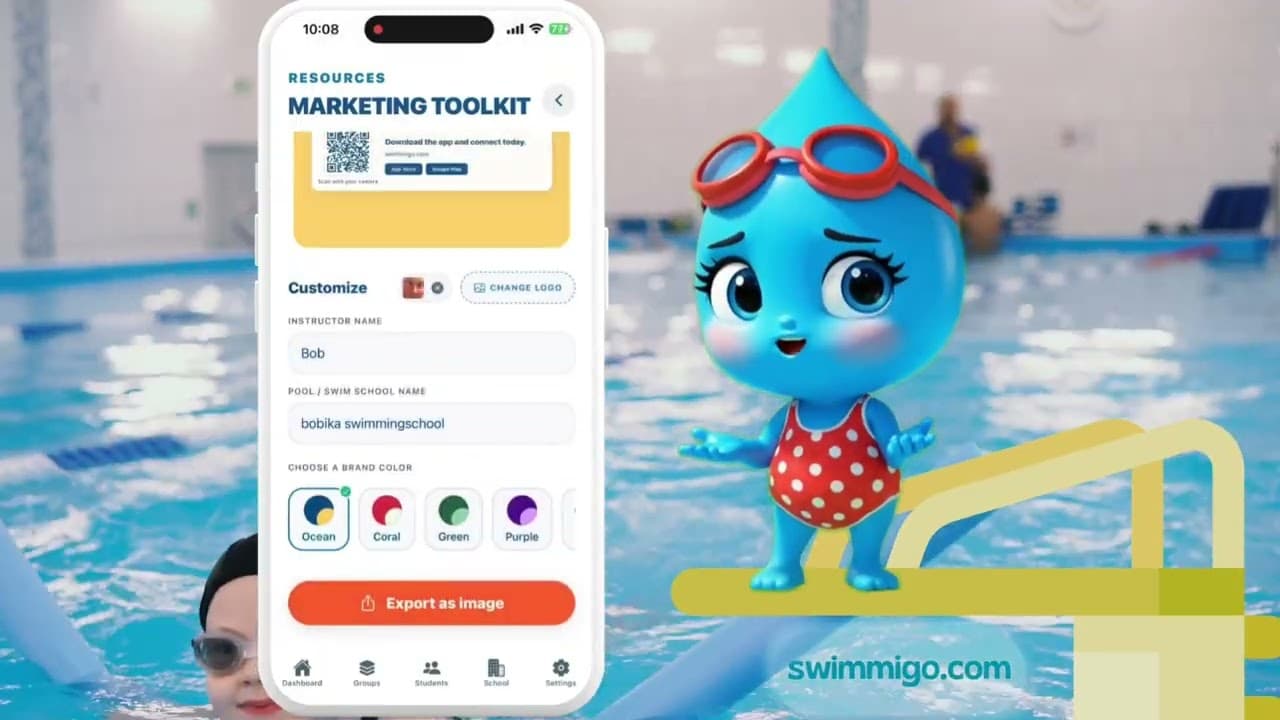
How to Use the Marketing Toolkit to Grow Your Swim School
How to use the Marketing Toolkit to create flyers and social media images.
Summary
Use Swimmigo's Marketing Toolkit: add your logo, name and brand color, then share professional promotional materials with parents.
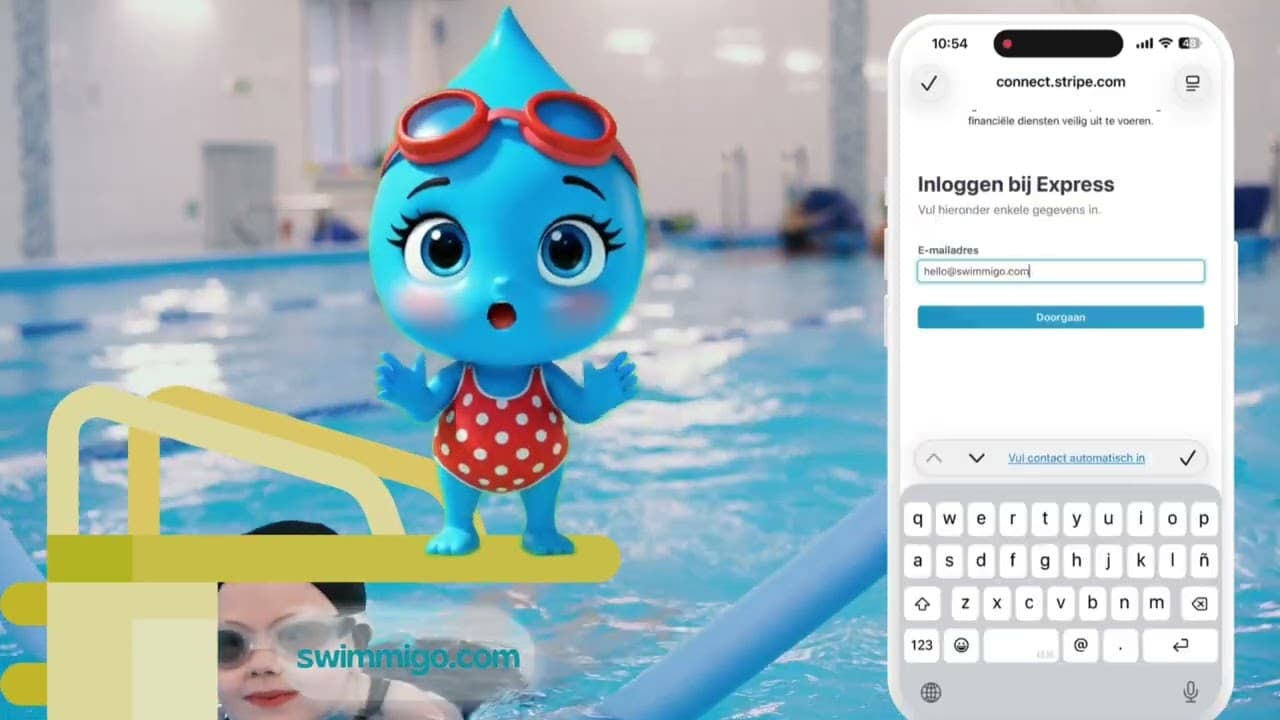
How to Set Up Payments for Your Swim School
Step-by-step guide for setting up payments for your swim school.
Summary
Link your bank account via Stripe Connect and receive lesson payments from parents, with invoicing and a clear overview of tuition fees.