Tracking swimming lesson progress with a digital app
Summary
- App for tracking swimming lesson progress is available on iOS and Android, supports multiple languages.
- Digital tracking system improves communication and transparency between parents and instructors.
- Simple registration via the website with secure access and support for issues.
A digital app is the clearest and most efficient way to track swimming lesson progress. It records competencies, attendance and certificates, and it makes planning and communication between parents, instructors and swim schools easier.
The information gives a clear picture of the possibilities and uses of digital progress tracking within swimming lessons.
1. Creating an account and logging in
This chapter explains how to create an account and log in to the digital swimming tracking system. You will read about the registration process, setting a password and how to access the app. That way you can quickly and securely follow your child’s progress.
Account registration process
The registration process starts by creating an account via the Van Rheenen Sport website. Use the email address that is known to the swim school to register yourself. After entering your details you will receive an activation link by email. With this you activate your account and can proceed to set a password.
Always check that the email address is correct, so you receive important updates. If you do not receive an email, contact reception for help. This process ensures that only authorized users gain access to the progress information.
Setting a password
After registration you set a secure password via the activation link in your email. Choose a password you can remember easily, but that is not easy to guess. The system usually asks for a combination of letters and numbers. This protects your account from unwanted access.
Store your login details in a safe place. If you forget your password, you can request a new one via the website. That way your account remains accessible and secure.
Access via app
To view swimming lesson progress download the Dewi Clubdrive app on your smartphone or tablet. This app is available in the App Store and Google Play. Log in with the email address and password you set during registration.
In the app you will find, among other things, your child’s progress and other relevant information. The app is user-friendly and offers a clear display of swimming competencies. That way you have insight into the lessons anytime, anywhere.
What is Swimmigo?
Swimmigo is an independent app with which you can follow, assess and celebrate swimming progress, whether you are a parent, adult swimmer or instructor. You are not dependent on the swim school, but remain in control yourself.
For parents the app offers a clear learning path of 7 levels, from Red to Gold, with 86 exercises. You rate each exercise with a simple scoring system, from 0 to 6, and receive a personal swimming certificate for each level achieved. That way you see at a glance where your child stands and what still needs work.
Adults who want to learn to swim or improve use Swimmigo discreetly and without group pressure. The app provides structure, breaks the learning process into manageable steps and helps overcome insecurity. You train at your own pace, when it suits you.
Swim schools and instructors use Swimmigo completely free as a digital system for student administration, schedules and progress. Parents see their child’s development in real time, without you having to do extra work. A handy Marketing Toolbox also helps you create professional flyers, social media posts and certificates.
2. Tracking swimming lesson progress
With a digital app parents can easily follow their child’s swimming lesson progress.
This chapter discusses how competencies and certificates are tracked, how monthly updates work and what insights parents gain.
That way you get a clear picture of the swimming development without extra administrative hassle.
Competencies and certificates
The various competencies and certificates are displayed clearly in the app.
Parents can see exactly which swimming skills their child already masters and which still need practice.
Progress focuses on the regular swimming certificates A, B and C, and the levels Swimming Skills 1, 2 and 3.
That way parents can think along purposefully and better understand the swimming process.
Monthly updates
Progress is updated at least once a month by the swim instructors.
These updates appear in the app before the viewing lessons take place.
In this way parents always have up-to-date information about their child’s swimming development.
This ensures transparent communication, without parents having to chase the data themselves.
Insight for parents
With the app parents get immediate insight into their child’s swimming lesson progress.
They can see which steps have already been taken and what the next goals are.
This makes it easier to support practice at home and remain involved in the learning process.
Additionally, parents can ask the instructor questions about progress during viewing lessons.

3. Features for swim instructors
This chapter describes three important features for swim instructors within the digital lesson app. You will read how attendance is recorded digitally, how progress is easily tracked on an iPad and how communication with parents runs smoothly. This gives you a clear idea of the practical possibilities for instructors.
Digitally recording attendance
Swim instructors register students’ attendance by scanning a card at entry. This replaces keeping paper records by hand and provides a fast, reliable registration. If a child forgets their card, the instructor can report this directly to reception to keep the administration complete.
The digital registration helps to keep an overview of who is present and speeds up the start of the lesson. That way the instructor can fully focus on teaching without administrative interruptions.
Tracking progress on an iPad
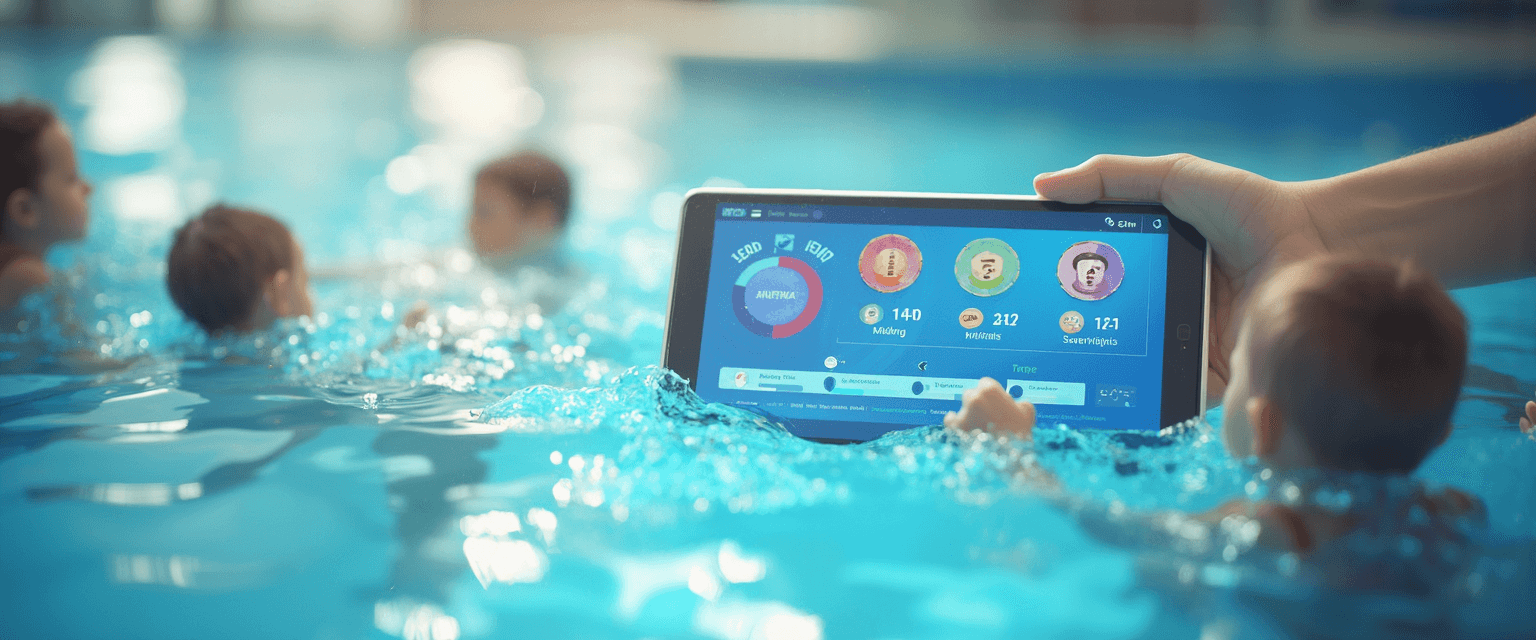
Each student’s progress is tracked via an iPad with the lesson app. Instructors enter scores and competencies during or after the lesson. This makes it possible to follow children’s development accurately and up to date.
The app offers a clear interface, allowing swim instructors to quickly see which skills have been achieved and which still need attention. Progress is updated at least once a month, so parents receive current information during viewing lessons.
Communication with parents
Communication with parents takes place via the app and during viewing lessons. Instructors can add notes about the lesson and specific practice points for at-home practice. This promotes good cooperation between parents and instructors.
In addition, parents can ask questions or receive updates about the lesson schedule through the app. This direct line of communication keeps everyone well informed and involved in the swimming lesson development.
Swimmigo · Swim lesson app
Free for parents
Follow your child's swimming progress, see where you stand and report absences in the app.


4. Advantages of digital systems
Digital systems for tracking swimming lesson progress offer clear benefits for parents, instructors and swim schools.
They provide more transparency, speed up communication and replace traditional paper administration.
This chapter explains these three important advantages and what they mean in practice.
Improved transparency
With a digital system the progress of swimming lessons is always visible and current for parents.
Parents can easily see which skills their child has achieved and which steps follow.
This increases transparency and makes it easier to follow development together with the instructor.
For swim instructors this overview also offers benefits when planning and adjusting lessons.
Fast communication
Digital apps make it possible to communicate quickly and directly between parents and swim instructors.
Updates about progress or changes in the lesson schedule are shared automatically.
That way parents receive important information in time and without delay.
This fast communication prevents misunderstandings and ensures a smooth running of the lessons.
Replacing paper administration
Using digital systems fully replaces traditional paper administration.
This reduces the risk of errors and lost documents.
In addition it saves time for swim instructors and administration, because data is recorded directly digitally.
This results in more efficient and clearer management of attendance, progress and certificates.
5. Apps and access for users
The app for tracking swimming lesson progress is available on various platforms and in multiple languages. Parents can easily manage profiles for multiple children within one account. It is also possible to update scores and progress yourself, which increases involvement.
Available languages and platforms
The app is available for iOS devices such as iPhone and iPad, and can be downloaded via the App Store. There is also an Android version available in the Google Play Store, so users have access on different devices. The app supports multiple languages, including Dutch, English, German, French and Spanish. This makes the app accessible to a wide audience, including international families.
Multilingual support ensures that parents and swim instructors can use the app in their own language. This improves understanding of progress and communication. In addition the app works with a premium subscription from Swimming Level 3 for parents and swimmers, while instructors and swim schools can use all features for free.
Access for multiple children
With one account parents can create profiles for multiple children. This is convenient for families with more than one child taking lessons. Each child has their own overview of progress, certificates and exercises. That way parents can easily follow development per child without logging in and out repeatedly.
The app shows the skills achieved per child and the next steps toward the certificate. This overview helps when planning at-home practice and discussing progress with the instructor. Parents can also manage payments and subscriptions per child easily.
Updating scores yourself
Parents have the option to adjust scores and progress themselves in the app. This can be done for example during a break or after a lesson when they receive additional information. By updating scores themselves the overview remains current and parents can respond better to their child’s learning needs.
The swim instructor remains responsible for the official registration, but this feature gives parents more involvement. Updating scores is simple and clearly designed, so it is accessible even for less technical users. That way you get closer cooperation between parents and instructors.

Summary
Summary
The app for tracking swimming lesson progress is available on iOS and Android. Parents can manage multiple children and update scores themselves.
The app supports multiple languages, which makes it accessible for international families. Swim instructors and swim schools use the app for free, parents from Swimming Level 3 with a premium subscription.
Why a digital tracking system helps
A digital tracking system provides more transparency and speeds up communication between parents and instructors. It replaces traditional paper administration and ensures up-to-date information.
Parents see which skills their child has achieved and which steps are next. This makes it easier to follow swimming lesson progress together with the instructor.
Swim instructors register attendance quickly and reliably by scanning a card. This prevents administrative interruptions and keeps the overview complete.
Competencies and certificates are displayed clearly in the app. Parents thus gain insight into swimming development without extra administration.
Registration and use of the system
Creating an account is done via the website with the email address known to the swim school. After registration you will receive an activation link to activate the account and set a password.
This ensures secure access to the swimming lesson progress. If there are problems with the email, reception can be contacted for support.
You can try Swimmigo for free via https://swimmigo.com.
Thank you for reading and for your interest in this topic.
Sources

Bob van Soest
As an expert in operating sports facilities (such as swimming pools) and developer of, among others, Swimmigo.com, I am passionately committed to making swimming lessons simpler, more fun and more insightful for parents, swimming instructors and everyone who wants to learn to swim.
Frequently Asked Questions
Related articles

When to start swimming lessons for optimal progress
Read from what age swimming lessons are effective for the best results and your child’s safety in the water.

Effectively recording swim lesson progress: from what age?
Find out from what age it makes sense to record swim lesson progress and how to do that in practice.

Efficiently record swimming lesson progress per group
Practical tips for tracking swimming lesson progress per group for parents and instructors.
Discover Swimmigo
The all-in-one app for swimming lesson progress. For parents, swim schools, and adult swimmers.