Registering swim lesson progress with visual tracking
Summary
- Visual tracking follows swim lesson progress clearly and continuously.
- A digital tracking system provides overview and supports targeted feedback.
- Accessible for instructors and parents, easy to use.
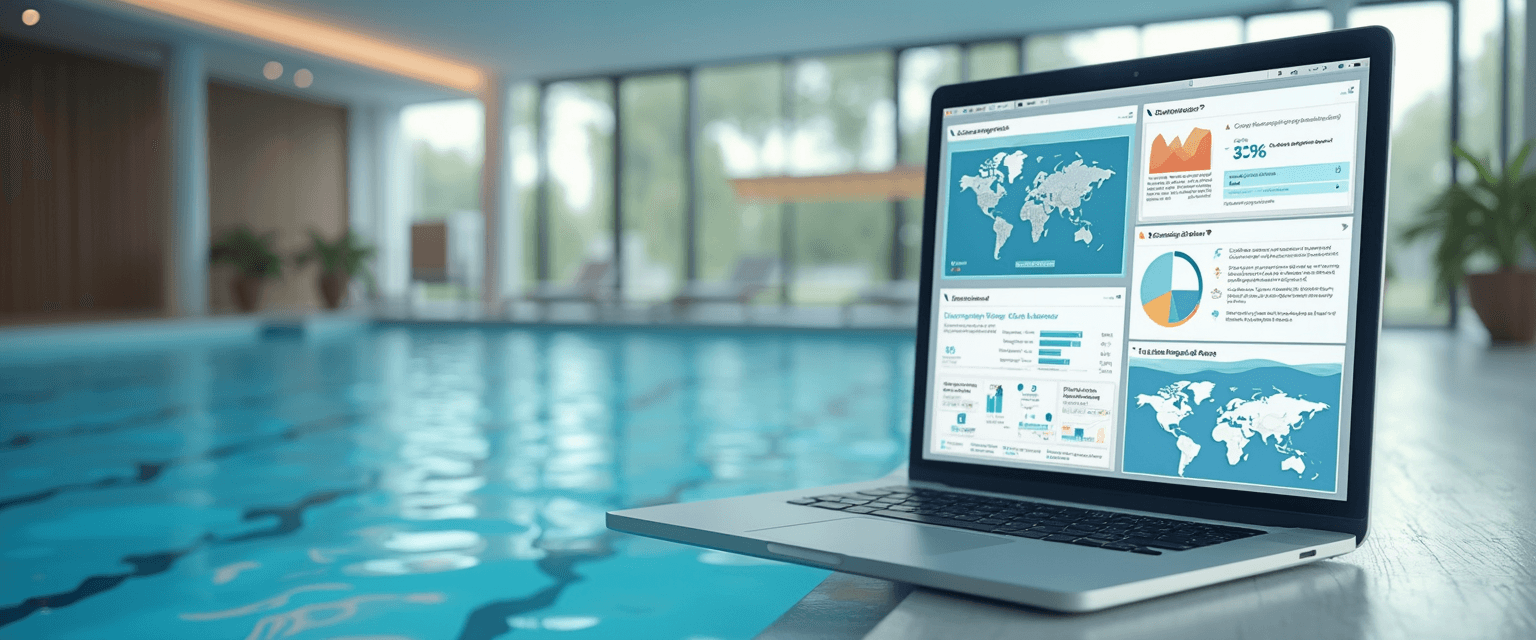
Register swim lesson progress efficiently with visual tracking that combines images and charts to make development immediately clear to parents and instructors. A digital tracking system integrates the necessary tools with a practical registration and analysis process, and makes it possible to optimize lesson plans based on the collected data.
The information helps swim schools and instructors to systematically monitor and improve students' progress.
1. What is visual tracking?
Visual tracking is a method to make swim lesson progress clear using images and charts. It is used to track performance and development in an orderly way. This technique offers clear benefits for swimmers, parents and instructors.Definition of visual tracking
Visual tracking is the systematic recording of progress using visual tools. This can be done with photos, videos or graphic representations of skills. The goal is to make performance clear and understandable. That way it becomes easier to follow and evaluate progress.
By using visual elements, information is communicated more directly and clearly. This helps both instructors and parents to better understand the progress. It complements traditional written reports. Visual tracking makes the learning process more transparent and easier to overview.
Application in swimming lessons
In swimming lessons, visual tracking is used to monitor the development of swimming techniques. Instructors can, for example, make video recordings of strokes and analyze them. Charts can also show the skills achieved per lesson. This makes it easier to spot strengths and areas that need attention.
Visual tracking also helps when communicating with parents. They get a clear view of their child's progress. This promotes involvement and trust. It also supports drawing up targeted lesson plans based on concrete data.
Advantages of visual methods
Visual methods offer various advantages when registering swim lesson progress. They make the learning process clear and motivate swimmers by showing their progress. They also facilitate communication between instructors and parents.
Furthermore, visual tools provide an objective assessment of skills. This prevents misunderstandings and makes it easier to set goals. With this approach, swim education becomes more effective and transparent for everyone involved.
What is Swimmigo?
Swimmigo is an independent app that lets you track, assess and celebrate swimming progress, whether you are a parent, an adult learner or an instructor. You are not dependent on the swim school, you remain in control.
For parents the app offers a clear learning path of 7 levels (from Red to Gold) with 86 exercises. You score each exercise with a simple scoring system (0 to 6) and receive a personal swimming certificate for every completed level. That way you can see at a glance where your child stands and what still needs work.
Adults who want to learn or improve their swimming use Swimmigo discreetly and without group pressure. The app provides structure, breaks the learning process into manageable steps and helps overcome insecurity. You train at your own pace, when it suits you.
Swim schools and instructors use Swimmigo completely free as a digital system for student administration, schedules and progress. Parents see their child's development in real time, without you having to do extra work. A handy Marketing Toolbox also helps you create professional flyers, social media posts and certificates.
2. Preparing to register
Good preparation is essential for successfully registering swim lesson progress.
This section covers the necessary tools, instructions for instructors and communication with parents.
This gives you a clear overview and helps the process run smoothly.
Requirements and tools
For registering swim lesson progress with visual tracking, some requirements are important.
A digital platform or app forms the basis for recording data clearly.
Also, a tablet or laptop is handy for quickly entering information during or after the lesson.
It is also important that the software used is easy to use and accessible to everyone involved.
Furthermore, a clear list of skills and goals helps to track progress in a structured way.
Instructions for instructors
Instructors play a central role in registering progress.
They receive clear instructions on how to use the digital system and what data should be recorded.
It is important that they enter data regularly and accurately, so progress stays up to date.
Training or a short explanation beforehand helps instructors become familiar with the tool and the process.
That way they can better answer parents' questions and use the system effectively.
Communication with parents
Good communication with parents is essential for transparency and involvement.
Inform parents in advance about the use of visual tracking and what they can expect.
Explain how they can follow progress via the online platform and what benefits this offers.
Regular updates and open communication build trust and encourage collaboration.
That way parents stay involved in their child's swimming development.
3. Registration process explained practically
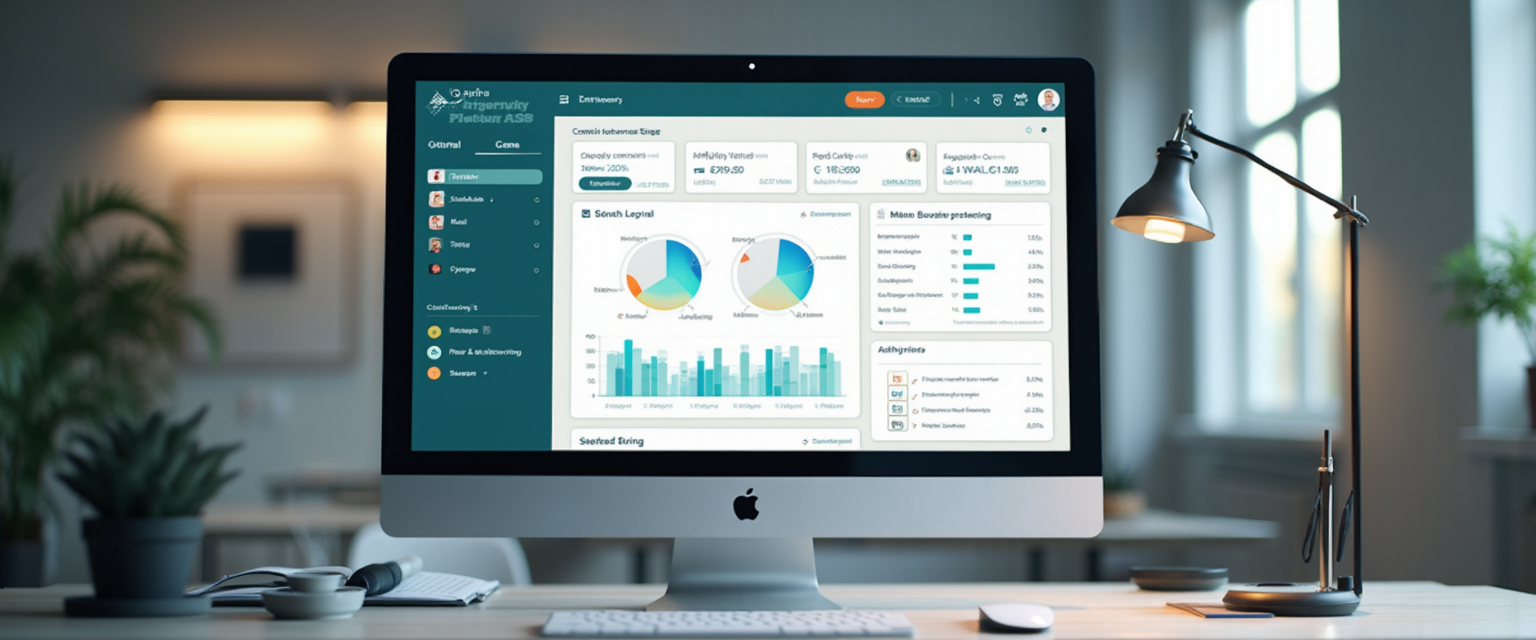
This section explains how the registration process for swim lesson progress works in practice. You will find a clear step-by-step approach, the use of online platforms and tips for simple data entry. This gives you insight into how to record progress clearly and efficiently.Step by step approach
The registration process starts by recording lesson results after each swimming lesson. This can be done manually or digitally, depending on the method used.
A good step is to first select the key skills to be assessed, such as breathing, floating and strokes.
Next, the instructor notes each student's progress, for example with symbols or color codes that provide a quick overview.
By updating this data regularly, a clear picture of each child's development emerges.
Use of online platforms
Online platforms like MijnZwemscore offer a central place to register and view progress. Instructors can enter results here immediately after the lesson.
Parents get insight into their child's progress via the platform, which improves communication.
The platform also supports scheduling catch-up lessons and managing payments, which reduces administrative work.
Using such a platform makes the registration process clear and accessible to everyone involved.
Tips for simple entry
For simple entry, choose fixed moments to record progress, for example directly after the lesson.
Use standard lists or templates with the key skills to enter data quickly.
Limit the number of input fields to what is really necessary, so the process does not take too much time.
In addition, it helps to train instructors well in using the platform and the registration procedure.
Swimmigo · Swim lesson app
Free for parents
Follow your child's swimming progress, see where you stand and report absences in the app.

4. Analysis and use of data
This section explains how to analyze and apply the collected data on swim lesson progress. We look at interpreting learning progress, giving targeted feedback to students and adjusting lesson plans based on the data. This provides a practical approach to optimizing the learning process.
Interpreting learning progress
Interpreting learning progress starts with looking at the visual overviews the system provides. These show which skills a student masters and where attention is still needed. By recognizing trends, such as steady progress or stagnation, the instructor can better estimate how the learning process is going.
An example is seeing that a child struggles with breathing technique, while other skills are going well. This makes it possible to practice deliberately and to track progress closely. Using clear charts or color codes helps to gain quick insight without having to read long reports.
Feedback to students
Feedback to students becomes more effective when it is based on concrete data from the visual tracking. Instructors can then name specific points that are going well and where improvement is possible. This makes the feedback clear and motivating for the student.
For example, an instructor might say, "You have strongly improved your kick, now we focus on improving your arm movement." With this targeted feedback, the student understands the next step better. Parents can also follow this feedback via the platform, which supports communication.
Adjusting lesson plans
Based on the analyzed data, lesson plans can be adjusted to better match students' needs. If the progress shows that a group struggles with a specific technique, the instructor can give extra attention to those parts.
It also allows for differentiation, where students are guided at their own level. This prevents students from moving through the program too quickly or too slowly. This makes the lessons more efficient and personal, which improves learning outcomes.
5. Improving with visual tracking
Visual tracking helps swim schools continuously improve students' progress.
This happens through regular evaluations, using additional tools and involving parents.
This approach provides a clear overview and encourages collaboration between instructors and parents.
Regular evaluation
It is important to evaluate swimmers' progress regularly with visual tools.
By, for example, visually recording the skills achieved every month, a clear picture of development emerges.
These evaluations make it possible to adjust the lesson program in time.
That way an instructor can give targeted attention to swimmers who need extra practice.
Use of additional tools
In addition to visual tracking, additional tools such as video recordings or digital progress reports can be used.
Videos give a concrete view of swimming technique and provide extra insight for both instructors and parents.
Digital reports can be easily shared via online platforms, which simplifies communication.
These tools strengthen the overview and support a targeted approach in lessons.
Encouraging parental involvement
Parents play an important role in encouraging swim lesson progress.
By actively involving them in the visual progress reports, more understanding and motivation arise.
Regular updates and accessible overviews help parents to support practice at home in a targeted way.
This creates a collaboration that positively influences the child's learning process.

Summary
Summary
Visual tracking helps swim schools to clearly and continuously follow students' progress. This happens through regular evaluations, extra tools and parental involvement.
By visually recording the skills achieved each month, a clear picture of development emerges. This makes it possible to adjust the lesson program in time.
Why a digital tracking system helps
A digital tracking system provides clear visual overviews of swim lesson progress. Instructors can use this to recognize trends and give targeted feedback.
The system supports a practical approach to optimizing the learning process. That way swimmers can practice specifically on skills that need extra attention.
The registration process runs step by step via online platforms. This makes entering lesson results simple and efficient.
Good preparation with the right tools and clear instructions ensures a smooth process. The digital system is accessible to instructors and parents.
You can try Swimmigo for free via swimmigo.com.
Sources

Bob van Soest
As an expert in operating sports facilities (such as swimming pools) and developer of, among others, Swimmigo.com, I am passionately committed to making swimming lessons simpler, more fun and more insightful for parents, swimming instructors and everyone who wants to learn to swim.
Frequently Asked Questions
Related articles
When to start swimming lessons for optimal progress
Read from what age swimming lessons are effective for the best results and your child’s safety in the water.
Effectively recording swim lesson progress: from what age?
Find out from what age it makes sense to record swim lesson progress and how to do that in practice.

Efficiently record swimming lesson progress per group
Practical tips for tracking swimming lesson progress per group for parents and instructors.
Discover Swimmigo
The all-in-one app for swimming lesson progress. For parents, swim schools, and adult swimmers.