Swimming lesson booking software: online enrollment, payments and scheduling in one app [2026]
![Swimming lesson booking software: online enrollment, payments and scheduling in one app [2026]](/_next/image?url=https%3A%2F%2Fzvblogpostimages.s3.eu-west-3.amazonaws.com%2FAUTOMATISCH_UPLOAD%2F1_b29753267ce2.jpg&w=3840&q=75&dpl=dpl_6vKDgJ3zcP9YSi2mTCop6Wdr8KJq)
Summary
- Online enrollment, payments and scheduling in one app replace your Excel file and separate messages.
- Booking software saves a small swim school hours per week and reduces no-shows.
- Swimmigo combines enrollment, lesson packages, payments and parent communication in one system.
- You start with a free demo and get a 30-day free trial once your first student is active.
You run a small swim school or work as an independent swim instructor. New enrollments arrive via WhatsApp, email and phone calls. You note them in an Excel file, track payments in a second list and send confirmations manually. Every week that costs you hours, and it still feels messy. Booking software for swimming lessons solves exactly this.
Why enrolling in Excel costs your swim school money
Double bookings and errors in the overview
A student ending up twice in the same group, a payment you cannot find, a waiting list that is no longer accurate. As long as everything is in one Excel file that only you maintain, mistakes creep in. And every mistake costs you time to track down, plus a parent wondering if you have things under control.
Hours lost to confirmations and reminders
Every enrollment needs a confirmation, every trial lesson a reminder and every cancellation a solution. If you do all that by hand, you spend an hour a day on administration. Time you are not in the water and therefore not teaching.
No-shows you cannot foresee
Without a system you do not see which lesson is coming up and who has not yet responded. A student who stays away without cancelling is an empty spot in the pool and a missed lesson payment. With automatic reminders the number of no-shows drops noticeably, and your revenue remains more stable.
What swimming lesson booking software does for you
Online enrollment without back-and-forth emails
Parents get one link, choose the lesson package and enroll their child. You see the enrollment immediately in your overview, including the correct details. No long email exchanges about days, times and levels anymore.
Lesson packages and payments in one system
You create your lesson packages yourself, send the invoice and see at a glance whether it has been paid. Parents pay online with credit card or PayPal, and the money goes to your own account. You handle discounts and price changes yourself, and you keep track of who still has lessons owed.
Scheduling that moves automatically
Move a student to another group with a swipe and the schedule adjusts. Parents see the new time immediately in their app. A student who moves up a level is relocated in seconds without you needing to note anything twice.
Parents who can manage everything themselves
Canceling a lesson, finding a make-up class or sending a message: parents do it themselves via the app, in their own language. That saves you phone calls and messages, and new sign-ups immediately see that you have your affairs in order.
Swimmigo · Swim lesson app
Free for parents
Follow your child's swimming progress, see where you stand and report absences in the app.


How to choose booking software for a small swim school
Choose all-in-one, not separate tools
A separate enrollment tool, a separate payment app and a separate planner may seem cheap, but together they cost you time and clarity. You are retyping data from one tool to another. One system that brings enrollment, payment, scheduling and communication together saves the most.
Watch the cost per student
Some packages charge per student or per instructor. For a small swim school that quickly adds up. Always ask whether it is one fixed monthly fee or costs that grow with your growth. A fixed fee without surprises is the most pleasant for a small club.
Check that it works on your phone
You stand at the poolside, not at a desk. Booking software should therefore work from your phone, between two lessons. Can you accept an enrollment, see a payment and send a message without a laptop? Then it is suitable for the real work.
How it works in Swimmigo
Enroll with one link
You share one enrollment link with new parents. They choose the lesson package, fill in the details and they are done. You see the registration immediately and approve it or place it on the waiting list. The whole process takes minutes instead of days.
Pay with credit card or PayPal
Lesson payments run through the app. Parents pay with credit card or PayPal and you see in one overview who has paid and who still has outstanding payments. The money goes via Stripe to your own account, at a transparent rate of 7.5 percent.
Progress tracking and communication in the same app
Booking software does not stop at enrollment. In Swimmigo you track per student the scores on 86 skills across 7 levels, send messages with read receipts to an entire group, and create certificates and flyers for your swim school. Everything you need after enrollment is already inside.
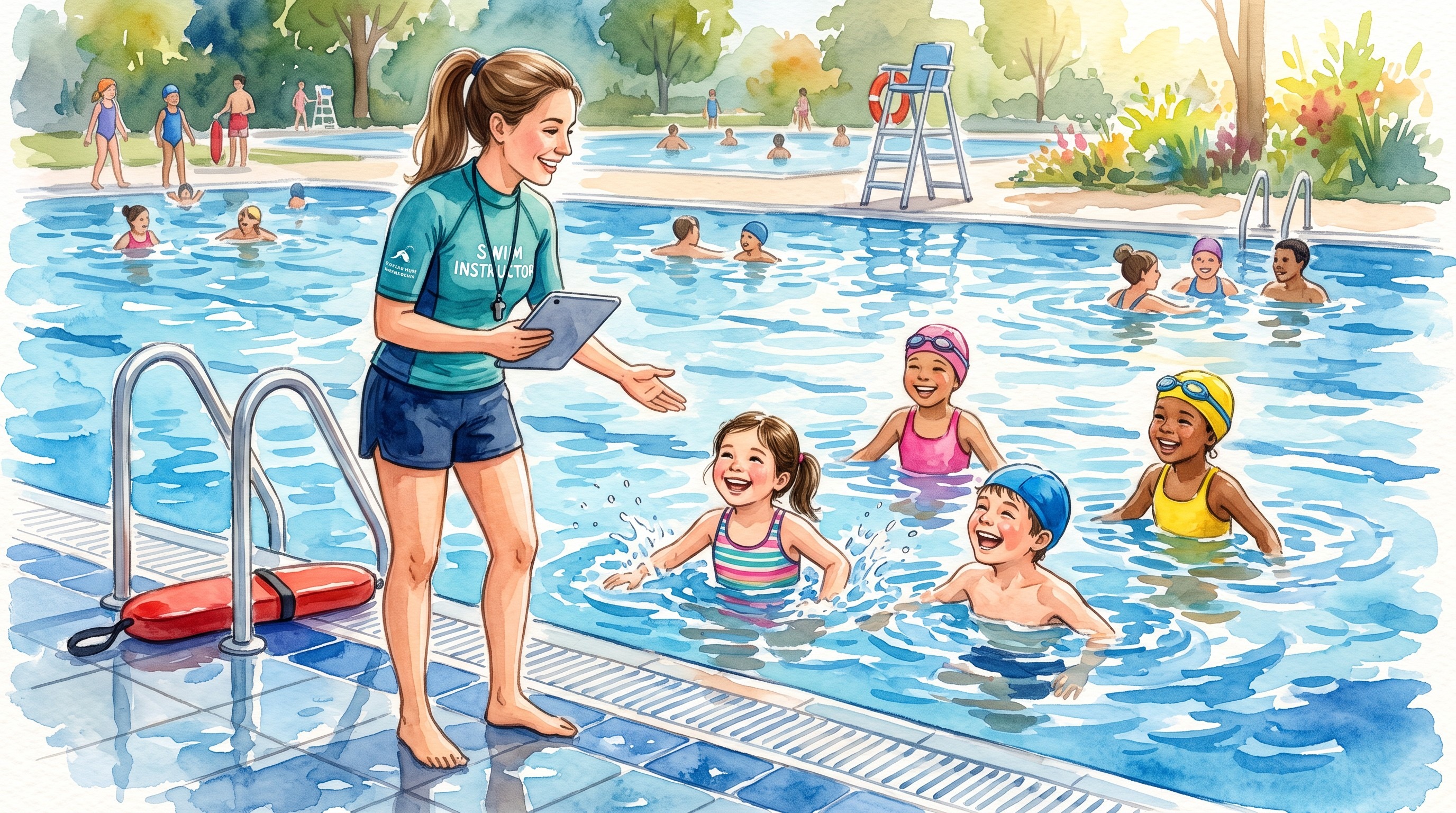
From Excel to one app: making the switch
Start small with a free demo
You do not have to change everything at once. Start with a free demo, create your groups and lesson packages and try how an enrollment runs. Only when your first real student becomes active do you choose the Solo or School subscription. That includes a 30-day free trial and you can cancel monthly.
Move your existing students over
The switch is smaller than you think. You create your existing groups once, invite the parents with one link and after that everything runs through the app. Your Excel file can retire, along with the separate messages and the little notebook.
Swimmigo · Swim lesson app
Free for parents
Follow your child's swimming progress, see where you stand and report absences in the app.
Conclusion
Swimming lesson booking software replaces the Excel file, the separate tools and manual confirmations with one system that combines enrollment, payment, scheduling and communication. For a small swim school or independent instructor that saves hours per week. Start with a free demo and see how it goes.
More about what the app can do: the feature page. If you are an independent instructor, see the instructor page. And for parents everything is on the parent page.
Sources

Bob van Soest
As an expert in operating sports facilities (such as swimming pools) and developer of, among others, Swimmigo.com, I am passionately committed to making swimming lessons simpler, more fun and more insightful for parents, swimming instructors and everyone who wants to learn to swim.
Frequently Asked Questions
Related articles

What to Bring to Swimming Lessons? Practical Tips
Discover what you practically need to bring to swimming lessons for a smooth process and comfortable swimming experience.

Adjusting Swim Lesson Planning for Swimming Anxiety
Tips to reduce swimming anxiety with home water activities and adjusted swim lesson planning.

Effective Swimming Lesson Planning for Children in Foster Families
Discover practical tips to plan and manage swimming lessons for foster children in a clear and goal-oriented way.
Discover Swimmigo
The all-in-one app for swimming lesson progress. For parents, swim schools, and adult swimmers.