Sharing swim lesson materials efficiently with colleagues

Summary
- A uniform approach created by sharing swim lesson materials improves cohesion and consistency.
- Regular meetings and fixed contact moments prevent misunderstandings.
- Central storage and training professionalize materials and instructors.
Centrally organized, shared digital folders with a fixed structure and clear access rights are the most efficient way to share swim lesson materials with colleagues. This creates cohesion and consistency in lesson planning, and improves the learning experience for swimmers.
These insights help swim schools and instructors optimize the use of teaching materials and ensure the quality of swim lessons.
1. The importance of sharing materials
Sharing swim lesson materials is an important step toward good teamwork. Below you find why sharing matters, what benefits it brings for colleagues, and how it affects the quality of lessons.
When materials are shared efficiently, lessons become more coherent and consistent. That improves the learning experience for swimmers.
Why sharing matters
Sharing swim lesson materials ensures a uniform approach within the team. When instructors use the same materials, they speak the same language to the pupils.
That prevents confusion and makes it easier to monitor progress. It also saves time, because everyone has direct access to the required materials.
Sharing materials also promotes coordination and cooperation between colleagues, so they can better support and complement each other during lessons.
Benefits for colleagues
Sharing materials offers clear advantages for colleagues. It makes it simpler to onboard new staff, who can immediately use existing lesson plans and tools.
Sharing also encourages knowledge exchange and inspiration. Colleagues can review and improve each other’s materials.
That leads to a more professional way of working and a pleasant work atmosphere. It also becomes easier to set and reach common goals.
Impact on lesson quality
Sharing swim lesson materials has a direct impact on lesson quality. Consistent teaching methods give pupils a clear and familiar learning structure.
This increases lesson effectiveness and leads to better learning outcomes. Instructors can also respond faster to swimmers’ needs.
Good material exchange also boosts parents’ confidence in the swim school. They see a professional approach focused on continuous improvement.
What is Swimmigo?
Swimmigo is an independent app that lets you track, assess and celebrate swimming progress, whether you are a parent, adult learner or instructor. You are not dependent on the swim school, you stay in control.
For parents the app provides a clear learning path of 7 levels (from Red to Gold) with 86 exercises. You rate each exercise with a simple scoring system (0 to 6) and receive a personal swimming certificate for every completed level. This shows at a glance where your child stands and what still needs work.
Adults who want to learn or improve use Swimmigo discreetly and without group pressure. The app provides structure, breaks the learning process into manageable steps, and helps overcome insecurity. You train at your own pace, when it suits you.
Swim schools and instructors can use Swimmigo completely free as a digital system for pupil administration, schedules and progress. Parents see their child’s development in real time, without extra work for you. A handy Marketing Toolbox also helps you create professional flyers, social media posts and certificates.
2. Digital platforms for sharing
Digital platforms offer practical solutions to share swim lesson materials with colleagues easily.
Below you find how to use online storage, collaborate via forums, and centrally manage documents.
These methods provide overview, accessibility and better teamwork.
Using online storage
Online storage services like Google Drive or OneDrive make it possible to keep swim lesson materials in one place.
Colleagues can upload, edit and share files directly without making physical copies.
By organizing folders logically, materials remain clear and quick to find.
Access rights can be set to determine who may view or edit which files.
Collaborating via forums
Forums within digital platforms give a place to ask questions and exchange experiences.
Instructors can share tips about teaching methods or materials that work well in practice.
That fosters collaboration and helps solve daily challenges during lessons.
An active forum also encourages peer learning and building a knowledge network.
Managing documents centrally
Central document management ensures all lesson materials, manuals and presentations are available in one place.
This prevents outdated versions from circulating, and everyone works with the most current information.
A good structure and clear naming conventions make searching simple.
With regular updates and a fixed point of contact, the system stays current and reliable.
3. Organizing teaching materials
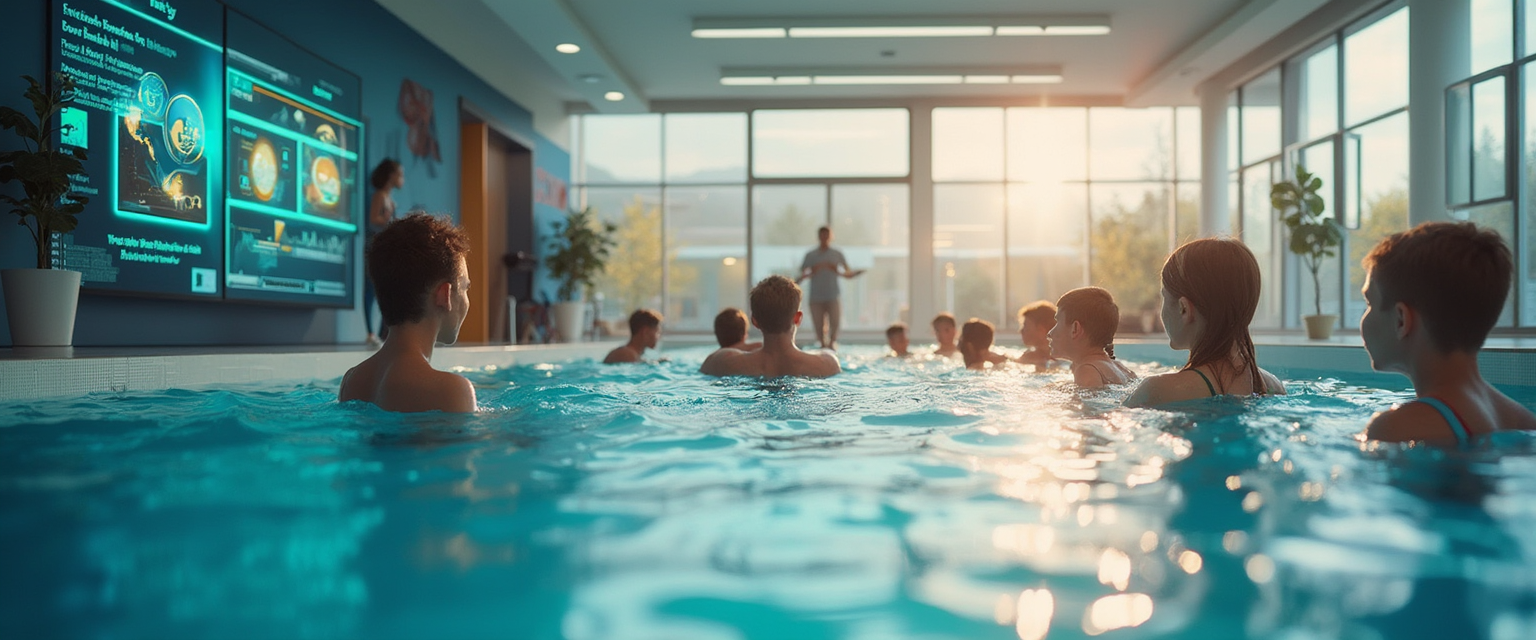
Below you find how to organize swim lesson materials clearly. Learn how to create a clear structure, categorize materials and set access rights. This ensures colleagues can work with the materials simply and efficiently.
Creating structure and overview
A good structure starts with a central place where all materials are collected. This can be a digital folder or a dedicated platform. By creating clear folders and subfolders, you keep things tidy. For example: a folder for theory, one for practical exercises, and one for evaluations.
Use consistent file names so everyone finds what they need quickly. Regularly cleaning up and removing outdated materials prevents clutter. That keeps materials current and useful for all colleagues.
Categorizing materials
Categorizing materials helps you find the right resources fast. You can sort by type, such as videos, worksheets or lesson plans. Sorting by level or age group is also practical, for beginners or advanced swimmers.
An example is using tags or labels within a digital system. That lets you filter by themes like breathing, strokes or safety. This saves time and increases efficiency during lesson preparation.
Setting access rights
Access rights determine who can view or edit which materials. This prevents important documents from being accidentally changed or deleted. For example, instructors get edit rights, while parents only have view rights for progress reports.
By setting rights correctly, you keep control and ensure the safety of materials. It is useful to review and adjust these rights regularly when the team changes. That keeps sharing smooth and reliable.
Swimmigo · For swim schools
Run your swim school fully digital
Students, schedules, absences and parent communication in one app, with your own rates and branding.

4. Professional development through knowledge sharing
Professional development in swimming education is strengthened by sharing knowledge and experience. This section explains how training, continuous learning initiatives and exchanging experiences contribute to instructors’ development. That creates a sustainable and effective learning environment for everyone.
Using training and courses
Targeted training and courses help instructors improve their skills. These programmes are often modular and suit different experience levels. Using a central platform, colleagues can easily access the full offering. That keeps everyone up to date with new methods and didactic insights.
Practical, hands-on training makes sure acquired knowledge is immediately usable in lessons. This raises teaching quality and supports a uniform approach within the team. Instructors can also learn independently through digital modules, at their own pace.
Encouraging continuous learning
Continuous learning is encouraged by creating a culture where development is a regular part of the job. Offer new knowledge regularly and motivate staff to keep improving. Digital learning environments provide overview and allow progress to be monitored.
Encouraging self-reflection and sharing learning experiences helps build an open, learning organization. That keeps instructors engaged and motivated. It also helps integrate new insights quickly into daily practice.
Exchanging experiences
Exchanging experiences among colleagues strengthens learning and fosters teamwork. Through forums or team meetings, instructors can ask questions and share practical tips. That creates a direct link between theory and practice.
Sharing experiences generates new ideas and solutions for challenges in lessons. This contributes to a positive working atmosphere and a shared focus on quality. Regularly discussing successes and improvement points makes professional development visible and measurable.
5. Practical tips for success
Practical advice to make sharing swim lesson materials run smoothly follows here.
Find guidance on regular meetings, clear task agreements, and ensuring user-friendliness.
These tips help keep collaboration between colleagues effective and organized.
Schedule regular meetings
Set fixed times for meetings to share experiences and updates about materials.
That keeps everyone informed about new materials and possible improvements.
Regular contact prevents misunderstandings and supports a joint approach.
A short weekly or monthly meeting can already create a lot of clarity.
Agree on responsibilities
Make clear agreements about who is responsible for which materials or tasks.
So everyone knows what is expected and things stay organized.
For example, divide responsibilities for managing digital files or replenishing physical supplies.
That prevents tasks from being neglected and supports efficient collaboration.
Ensure user-friendliness
Make sure shared materials are easy to find and use for all colleagues.
A clear folder structure and consistent file names help with this.
Test regularly that everyone has access and knows how the system works.
User-friendliness increases the chance that materials are actually used and shared.

Summary
Summary
Sharing swim lesson materials encourages a uniform approach within the team. This creates more cohesion and consistency in lessons.
By sharing materials efficiently, colleagues save time and improve cooperation.
Practical tips for sharing swim lesson materials
Regular meetings and clear agreements are important for a smooth process. Fixed contact moments prevent misunderstandings and support a joint approach.
A short weekly or monthly meeting keeps everyone informed about new materials and improvements.
Organizing and professionalizing swim lesson materials
A central location with a clear folder structure makes materials easy to manage. Consistent file names and regular clean-ups keep everything current and usable.
Professional development comes from training and sharing knowledge. Digital modules and targeted courses improve instructors’ skills.
You can try Swimmigo for free via https://swimmigo.com.
Thanks for your time and interest.
Sources

Bob van Soest
As an expert in operating sports facilities (such as swimming pools) and developer of, among others, Swimmigo.com, I am passionately committed to making swimming lessons simpler, more fun and more insightful for parents, swimming instructors and everyone who wants to learn to swim.
Frequently Asked Questions
Related articles
Choosing the right swim instructor for swim lesson planning
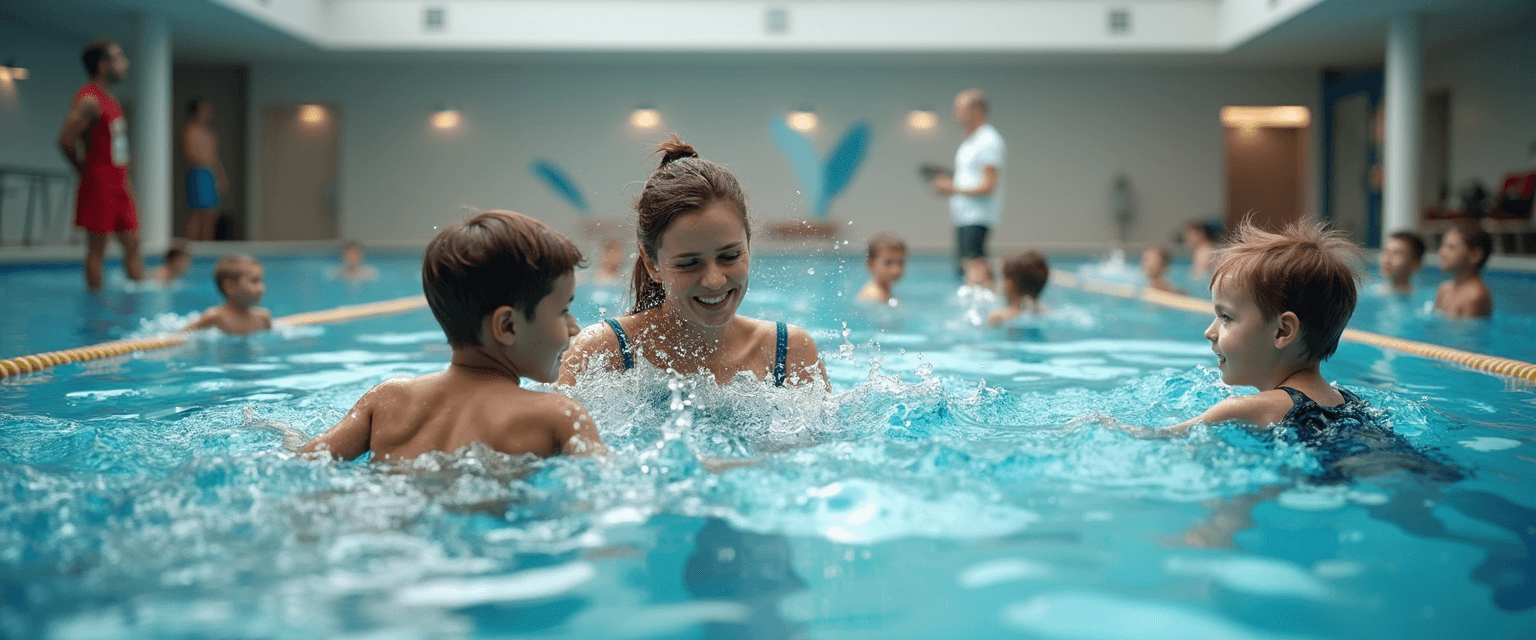
Practical tips to select a qualified swim instructor for your lessons.
Complete overview of tools for swim instructors: independent and free
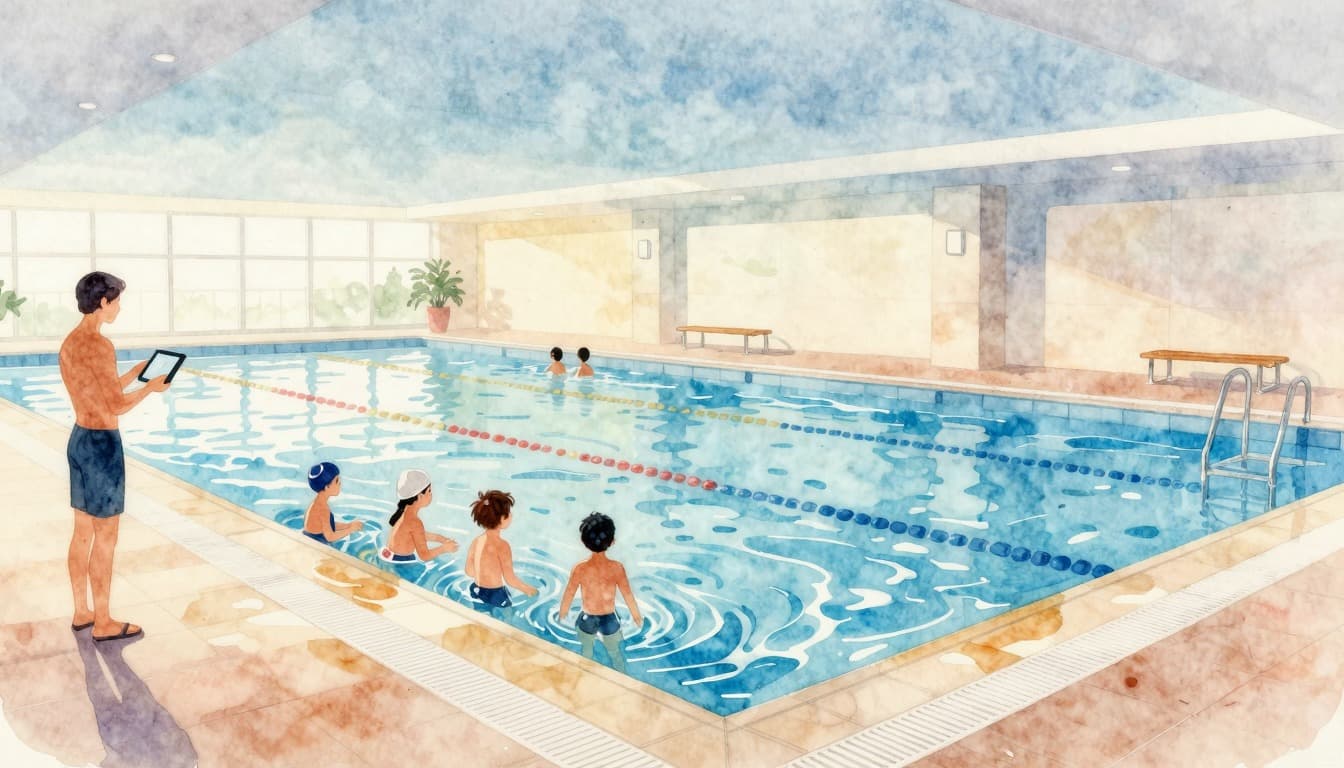
Overview of tools for swim instructors: student tracking system, lesson planning, and parent communication compared. Swimmigo offers everything free in one platform [2026]
From Paper to Digital: How Swimming Instructors Easily Track Lesson Progress
Many swimming instructors waste hours on paper administration after each lesson. Discover how a free digital app helps you track scores, save time, and give parents real-time insight into swimming lesson progress.
Discover Swimmigo
The all-in-one app for swimming lesson progress. For parents, swim schools, and adult swimmers.