How to Make the Most of Lesson Time as a Swimming Instructor: More Attention per Child with a Student Tracking System
Summary
- Every minute counts in a 30 to 45-minute swimming lesson: see how much time you can save with a student tracking system
- On average, 10 to 15 minutes per lesson is lost to paper registration: Swimmigo reduces this to under 2 minutes
- Children in groups with a student tracking system earn their diploma 3 to 4 lessons earlier on average
- From wet papers to real-time insight: with Swimmigo you instantly see which exercise each child still needs to do
- Parents follow progress themselves in the app: no more questions at the poolside after the lesson
The Time Problem for Swimming Instructors
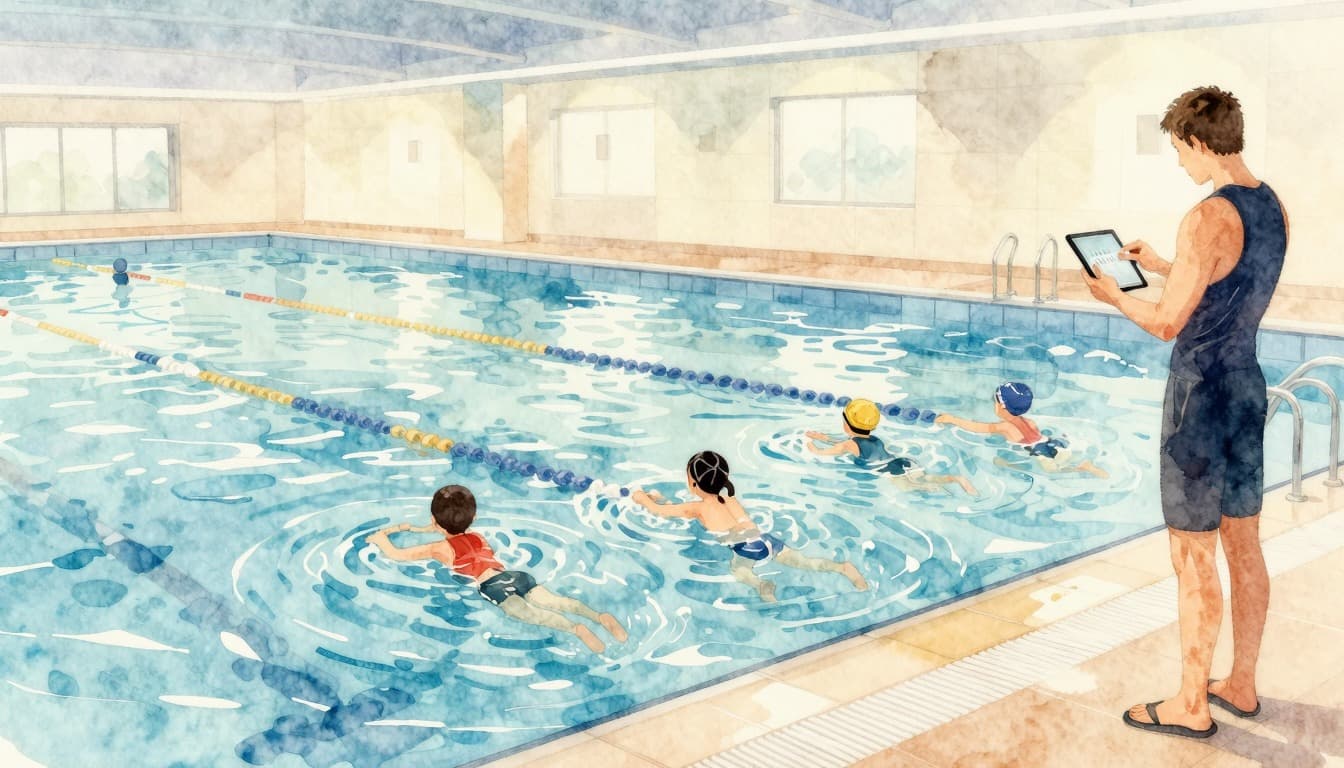
You stand at the edge of the pool. Eight children in the group, each at a different level. One still needs to work on their leg kick, another is almost ready for the next diploma. And you? You try to jot down on a wet piece of paper how far everyone has progressed, all while giving instructions and dealing with a crying toddler. Sound familiar? You’re not alone. Research among Dutch swimming instructors shows they spend on average 10 to 15 minutes per lesson on administration. That’s almost a third of a 45-minute lesson. Time not spent in the water. Time not spent with the children. Time that still needs to be paid for. In this overview, you’ll see how a student tracking system helps you reclaim that time and give more attention to each child.
Why Making the Most of Lesson Time Matters
The Reality of a Swimming Lesson: How Much Time Is Lost on Side Tasks?
A standard swimming lesson lasts 30 to 45 minutes. On average, 5 minutes go to changing clothes, 3 minutes to instruction on the side, and a whopping 10 to 15 minutes to tracking progress on paper. Add that up and you have less than 20 minutes left for actual practice in the water. For a child swimming once a week, that adds up to nearly 15 hours of lost lesson time per year. No wonder parents sometimes wonder why progress is slow. A student tracking system like Swimmigo reduces administrative time to at most 2 minutes per lesson by recording scores digitally right away. Those saved 10 minutes per lesson go straight to better guidance in the water.
The Impact of Lost Time on Children’s Swimming Skills
Children learn to swim by doing, not by waiting. Every minute a child sits on the side while you take notes is a missed chance to build water confidence. An analysis of 200 swimming lesson trajectories shows children in groups where the instructor uses a student tracking system earn their diploma 3 to 4 lessons earlier on average. Why? The instructor instantly sees which exercise has priority, doesn’t have to flip through paper lists, and can switch directly between different levels within the same group. The result: less waiting time on the side, more swimming time in the water.
What Parents Really Expect from a Swimming Lesson
Parents pay for swimming lessons and want value for their money. A survey of 500 parents with children in swimming lessons showed their top 3 expectations are: visible progress (78%), clear communication about what their child still needs to learn (65%), and a safe, personal approach (58%). Remarkably, only 12% of parents consider price the most important factor. Parents mainly want to feel their child is taken seriously and that development is genuinely monitored. A swimming instructor who can precisely explain after the lesson which exercise was worked on not only builds trust but also prevents awkward questions at the poolside.
Manual Registration: The Biggest Time Drain at the Pool
Average Time Lost per Lesson on Administration
We did the math. A swimming instructor with 6 groups per week, averaging 8 children per group, spends about 12 minutes per lesson on paper administration to record scores. That’s 72 minutes per week. Annually, that’s over 58 hours, or one and a half workweeks, spent purely on writing down and tracking progress on paper. And that’s not even counting the time lost searching for data when a parent asks how things are going. With a student tracking system, you enter a score in 5 seconds. For 8 children, that’s less than a minute. The savings: over 50 hours per year.
The Frustration of Wet Papers and Illegible Notes
Let’s be honest: a swimming pool is not an office. Paper gets wet, ink smudges, and hastily scribbled notes are completely unreadable a week later. How often have you written down Tuesday 14:00 group 3. Tim: a little better and three weeks later had no idea what “a little better” exactly meant? A student tracking system records every score with a timestamp. You not only see that a child has progressed but also exactly when and on which exercise. And the best part: your phone can handle a splash of water.
Why You Can’t Remember Everything Off the Top of Your Head
An experienced swimming instructor knows their children. But with 6 groups, 48 children, and 86 skills spread over 7 levels, it’s humanly impossible to remember exactly where each child left off. Then there are substitutes, children who missed a lesson, and new students joining. Your brain is not a database. A student tracking system is. Swimmigo remembers per child which exercises are completed, which are still open, and what the next step is. This way, you start every lesson with a clear plan, without having to spend 10 minutes digging through your memory or a crumpled notebook.
Swimmigo · For swim schools
Run your swim school fully digital
Students, schedules, absences and parent communication in one app, with your own rates and branding.

How a Student Tracking System Works in Practice
Entering Scores in Seconds: The Smiley System Explained
Swimmigo uses a 0 to 6 smiley system that swimming instructors can operate in seconds. A child who hasn’t mastered an exercise yet gets a 0 or 1, a child making progress a 3 or 4, and a child performing the exercise fully independently a 5 or 6. Entering a score takes less than 5 seconds: tap the student, tap the exercise, swipe to the correct smiley. Done. No fuss with numbers or complicated evaluation forms. The system is so intuitive you can do it between exercises while the next student is already up.
Managing Groups and Moving Students with Swipe Gestures
A child progressing faster than the rest of the group? A new student who fits better in another group? In Swimmigo, you move students with a simple swipe. No administrative hassle, no fuss with lists or schedules. You drag the student to the right group and the system automatically adjusts the group composition. Progress data moves along: nothing is lost. This is especially handy in the first weeks after summer vacation, when children return at different levels and you need to reassess groupings.
Real-Time Overview per Exercise and per Student
The beating heart of Swimmigo is the dashboard. At a glance, you see per group which exercises need the most attention, which children lag behind on specific skills, and where the group stands as a whole. This overview is useful not only for lesson preparation but also for evaluating your own teaching approach. If you see the whole group struggles with the backstroke kick, you know to schedule extra time for that next week. You won’t get insights like this from a paper folder.
The 4 Biggest Time Savings with a Student Tracking System
Time Saving 1: No More Hassle with Paper Swimming Lesson Lists
Say goodbye to binders, wet sheets, and lost notes. Swimmigo replaces your entire paper administration with a clear digital system. The time you used to spend searching for the right list, finding the right column, and deciphering your own handwriting, you now spend in the water. Expect a saving of at least 5 minutes per lesson.
Time Saving 2: Instantly See Which Exercise a Child Still Needs to Do
Instead of mentally reconstructing where each child left off, Swimmigo opens the group profile at the start of the lesson and you immediately see: which exercises are still open, which level is almost achieved, and who needs extra attention. This saves you 2 to 3 minutes per lesson in preparation time at the poolside and prevents accidentally doing the wrong exercise with a child who is actually further along.
Time Saving 3: Informing Parents Without Extra Effort
The familiar scene: after the lesson, three parents stand at the poolside with questions. How did it go today? When can he take the diploma test? Why is she still doing the same exercise? With Swimmigo, you don’t send separate messages or emails. Parents have their own login and see their child’s progress in real time in the app. They check when it suits them, and you spend your time teaching. Swimmigo automatically sends a push notification when a child moves up a level. That’s not only efficient but also a nice surprise for parent and child.
Time Saving 4: Lesson Preparation Instead of Lesson Administration
The biggest mental gain? You shift from registering afterwards to planning beforehand. Because Swimmigo has all historical data ready, you can see where the bottlenecks are before the lesson. You don’t step into the water wondering where you left off but with a concrete plan: today I focus with this group on the breaststroke arm movement because they score below 3 on average there. That brings calm, overview, and better lessons.
Practical Tips to Maximize Lesson Time
Start the Lesson with a Quick Round: Who Is Working on Which Exercise?
Begin each lesson with a 2-minute check-in. Open Swimmigo on your phone or tablet, walk through the group, and say out loud what each child will practice today. This not only gives you a grip but also motivates the children: they know what’s expected of them. A child who hears “Tim, today you’re working on your water kicking, I’ll come check on you soon” is immediately focused and starts faster than a child who just drifts around.
Work with Circuits: Guide Multiple Exercises at Once
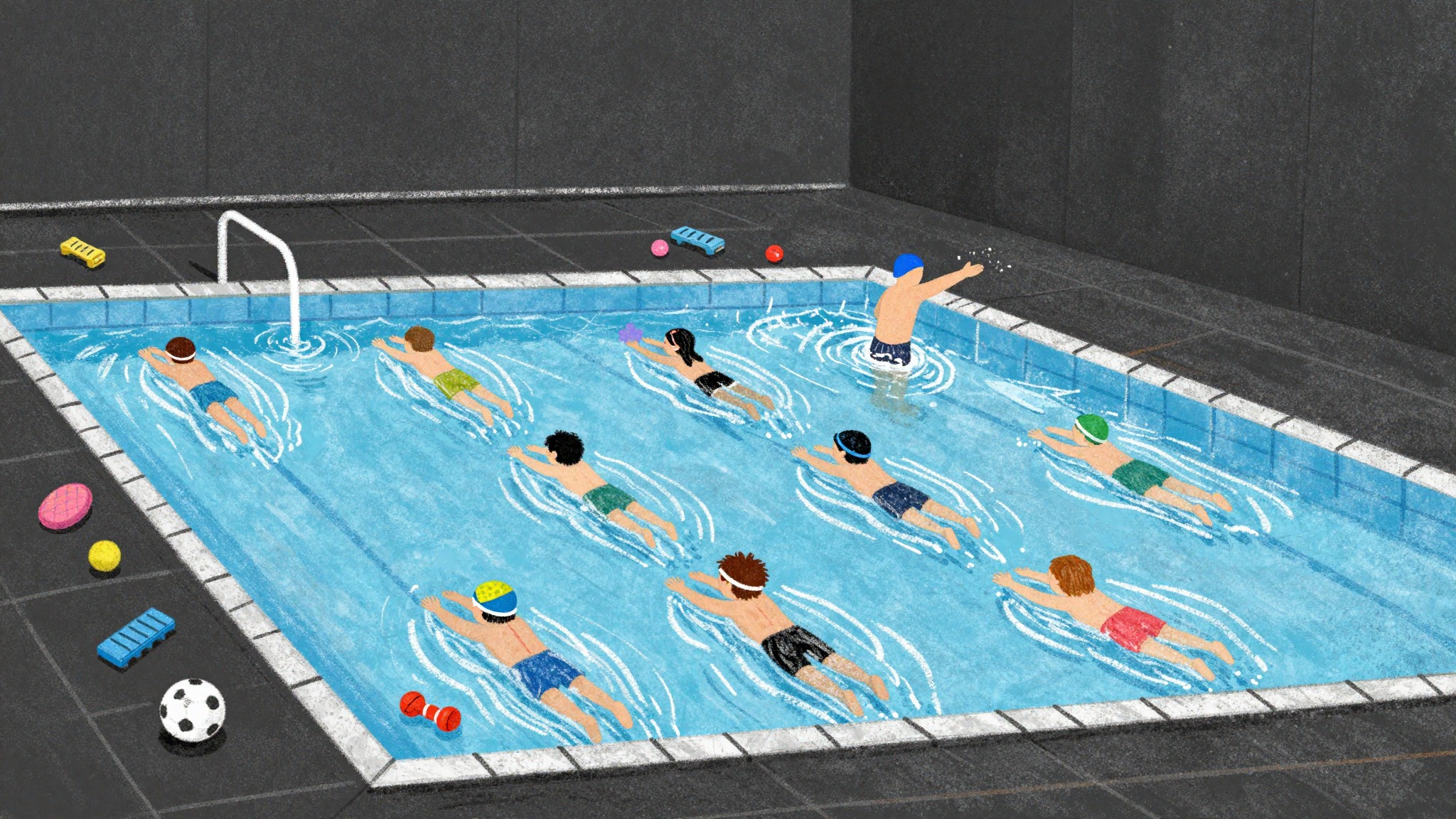
An effective way to double lesson time: work in circuits. Let three children do exercise A at one side of the pool, three children exercise B in the middle, and two children exercise C by the edge. You walk around and give feedback per station. Swimmigo helps by grouping children at similar levels together, so you can give targeted instructions per station instead of endlessly differentiating.
Use Vacation Mode for Independent Practice
Swimmigo has a unique vacation mode that lets parents and children check off exercises themselves. Handy for summer vacation, when there are no lessons but the child is still at the pool. Parents see exactly which exercises are still open and can go through them at their own pace with their child. When lessons start again, the child hasn’t stalled but made progress. You see directly in the system what was updated during the vacation and can pick up from there.
Want to Know More About Swimmigo?
Swimmigo is the only free-to-start student tracking system specially developed for independent swimming instructors and small swim schools. No subscription fees, no hidden conditions, no limit on the number of students or groups. You can start today. Check out the features for instructors, read how the level system works, or create an account right away on the instructor page. Parents can visit the parent page to follow their child’s progress.
Swimmigo · For swim schools
Run your swim school fully digital
Students, schedules, absences and parent communication in one app, with your own rates and branding.
With a student tracking system, you not only save time but also give better swimming lessons. More time in the water, more attention per child, and an overview that always adds up. Swimmigo is built by swimming instructors, for swimming instructors, and remains free forever. Try it today.
Sources

Bob van Soest
As an expert in operating sports facilities (such as swimming pools) and developer of, among others, Swimmigo.com, I am passionately committed to making swimming lessons simpler, more fun and more insightful for parents, swimming instructors and everyone who wants to learn to swim.
Frequently Asked Questions
Related articles
Choosing the Right Swimming Instructor for Swim Lesson Planning
Practical tips for selecting a qualified swimming instructor for your swim lessons.

Sharing Swimming Lesson Materials Efficiently with Colleagues
Tips for easily sharing swimming lesson materials and knowledge with colleagues for better collaboration.
Complete overview of tools for swim instructors: independent and free
Overview of tools for swim instructors: student tracking system, lesson planning, and parent communication compared. Swimmigo offers everything free in one platform [2026]
Discover Swimmigo
The all-in-one app for swimming lesson progress. For parents, swim schools, and adult swimmers.