From Paper to Digital: How Swimming Instructors Easily Track Lesson Progress
Summary
- Many swimming instructors waste hours per week on paper administration that could be digital
- With a free app, you register scores per exercise in seconds: the 0-6 smiley system
- Digital logs and automatic statistics show your students’ growth without extra work
- Parents get real-time insight into progress: no more messages and emails after each lesson
- Swimmigo is free to start, works on any phone, and supports multiple instructors and locations
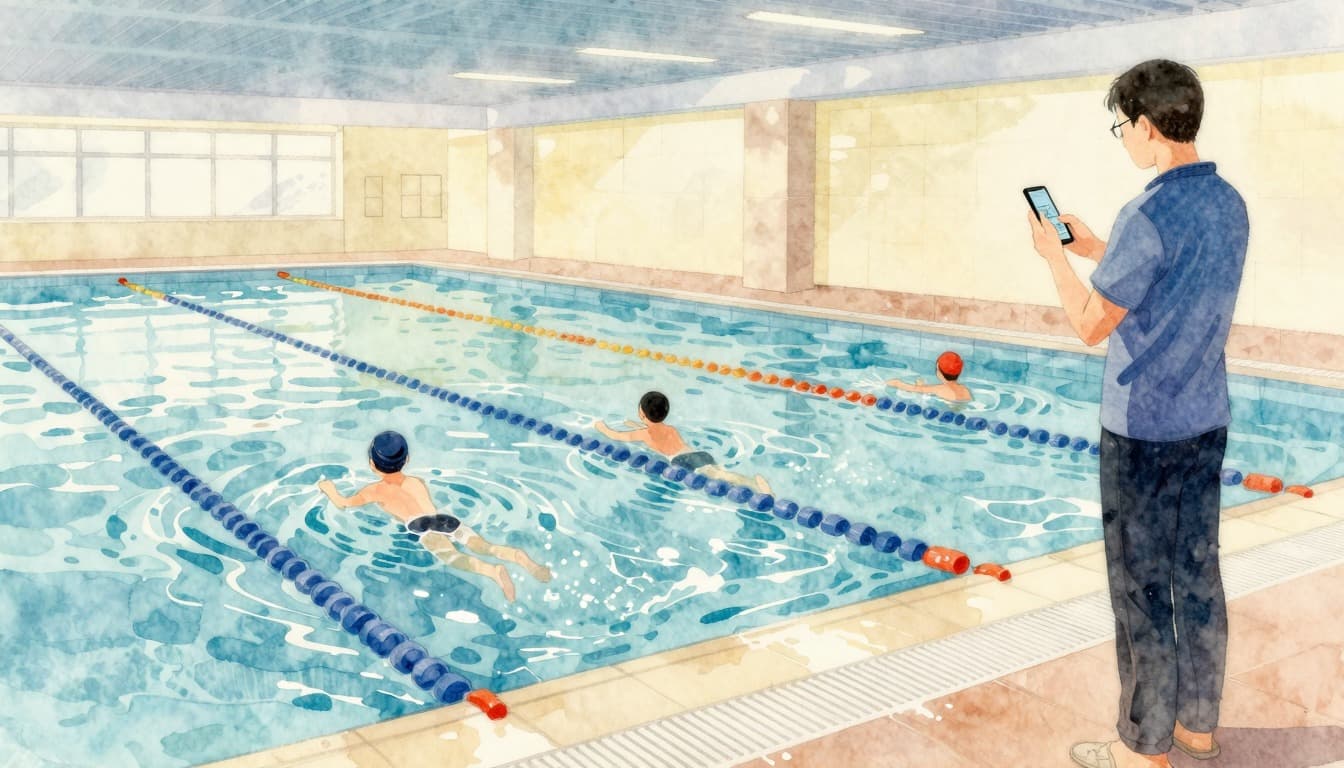
As a swimming instructor, you know the routine: after an intense 45-minute lesson with 12 children in the water, you rush to the side to take notes. A wet sheet of paper, a pen that won’t write, and you try to remember exactly which child did the breaststroke well and who still struggled with backstroke. The vast majority of swimming instructors in the Netherlands still work with pen and paper. In 2026, there is a simple, free alternative that not only saves you time but also improves the quality of your swimming lessons.
The Paper Legacy of Swimming Lessons
Why Swimming Instructors Still Use Paper
The swimming industry is traditional. Many swim schools have existed for decades and the administration has hardly changed. As a beginner instructor, you received a clipboard and a stack of paper cards, and you’ve been doing it that way for years. The system works until it doesn’t. A student moves to another group, a colleague fills in, and suddenly no one knows where each child stands in terms of level. The paper card is lost, unreadable, or wet.
The Hidden Costs of Manual Administration
Calculate how much time you spend weekly updating paper files. Before the lesson: laying out cards and reviewing last time’s scores. After the lesson: making notes, updating levels, informing parents. With a full schedule of 15 to 20 lesson hours per week, that quickly adds up to 3 to 4 hours of pure administration. That’s almost half a workday you’re not in the water, not working with children, and not getting paid. Digital registration takes less than 15 minutes per lesson day.
What Happens If Your Notes Get Wet?
Every swimming instructor has experienced it: a splashing child, an awkward movement with the clipboard, and your entire lesson’s administration becomes unreadable. With paper systems, there is no backup. You have to reconstruct from memory what each student did, with all the risks that entails. Digital registration is safely stored in the cloud and always available, even if your phone falls in the water.
What Do You Need for Digital Progress Tracking?
An App That Works on Your Phone
You don’t need expensive hardware or complicated software. A smartphone you already carry is enough. Swimmigo is a web app that works in the browser, on both iOS and Android. You don’t install anything, just log in and start immediately. It even works if you temporarily have no signal in the pool: scores are saved locally and synchronized as soon as you’re online again.
Tracking Scores with the 0-6 Smiley System
Instead of vague notes like "okay" or "needs improvement," you work with the 0-6 smiley system. Each skill gets a clear score: from 0 (not started yet) to 6 (fully mastered). The smileys make it visual and intuitive: you see at a glance where a student stands, and parents understand it without explanation. No score sheets, no complicated evaluation forms.
Per Exercise, Per Level, Per Student
The app is built around the 7 levels of the Swimmigo system (Red through Gold), with a total of 86 skills. Each exercise is broken down into concrete sub-skills. Want to know if Tim has mastered the single backstroke? Tap his profile, find the exercise, and drag the smiley to the right score. Three seconds of work. After the lesson, you’ve updated scores for all your students in less than two minutes.
Swimmigo · For swim schools
Run your swim school fully digital
Students, schedules, absences and parent communication in one app, with your own rates and branding.

The Benefits of Digital Tracking During Lessons
Less Time on Administration, More Time in the Water
The biggest advantage of digital registration is the time saved. Where you used to spend 10 to 15 minutes after each lesson updating paper cards, now you’re done in 2 minutes. That gained time goes back to what really matters: teaching, guiding children, and occasionally catching your breath between lessons. Instructors who switched report an average time saving of 2 to 3 hours per week.
Immediate Insight into Which Students Need Extra Attention
A paper card tells you what’s on it, but not what’s missing. The app shows you a dashboard per group: who is falling behind on certain skills, who is ready for the next level, and which exercises deserve extra focus this lesson. You don’t have to analyze anything: the statistics generate themselves. This makes you not only more efficient but also more effective as an instructor.
Group Progress at a Glance
Imagine: you have 4 groups at 3 different levels, spread over 2 pools. With one glance at your dashboard, you see exactly how each group is doing. No more stacks of paper to carry from location to location. Everything is clearly organized, sorted by group, level, or individual student. Substitute instructors can immediately see where the group stands without you having to do a detailed handover.

Collaborating with Fellow Instructors
Transferring Students Without Paper Files
One of the biggest frustrations with paper administration is handover. A student moves up a level, another colleague takes over the group, and you have to physically hand over the file. In practice, this means cards get lost or are incompletely filled out. In Swimmigo, you move a student to another group with a swipe. The full progress history goes with them. The new instructor sees exactly where the student stands, with scores per skill.
Multi-Location Management: One Dashboard for All Your Pools
Do you work at multiple locations, for example as a freelance instructor or for a swim school with several branches? In one dashboard, you manage all your groups, regardless of which pool you teach at. You easily switch between locations and see which lessons are coming up, which students are in the groups, and their current levels. No more separate administration per location.
Swimmigo · For swim schools
Run your swim school fully digital
Students, schedules, absences and parent communication in one app, with your own rates and branding.
Practical Tips for Switching from Paper to Digital
Start with One Group as a Pilot
You don’t have to overhaul your entire administration at once. Choose one group to make the switch with. A group of 10 to 12 students is manageable enough to learn the app and large enough to notice the difference. After two to three weeks, you’ll know if it works for you and can add other groups.
Involve Your Colleagues in the Transition
Digital administration works best when everyone participates. Invite your colleagues to the app and let them experience how fast it works. Swimmigo supports multi-instructor collaboration, so each instructor can log in with their own credentials for the groups they’re responsible for. You can see who updated which scores and when.
Use the Marketing Toolkit
An unexpected benefit of digital work: the marketing toolkit in Swimmigo. Generate professional flyers, social media posts, and personalized certificates for your students with one click. This not only saves you design time but also gives your swim school a professional appearance towards parents. Everything is provided with your own house style and logo.
What It Yields: Numbers and Results
Time Saved per Lesson and per Week
Let’s make it concrete. Suppose you teach 20 hours per week, spread over 4 days. You currently spend an average of 8 minutes per lesson on administration. That’s 160 minutes, or 2 hours and 40 minutes per week. With digital registration, you reduce that to about 2 minutes per lesson: 40 minutes per week. That saves you 2 full hours. Annually, that’s over 100 hours you get back to spend on what you’re good at: teaching.
Better Parent Communication Through Real-Time Insight
Parents want to know how their child is doing in swimming lessons. With paper administration, you have to send messages after each lesson or have a chat at reception. With the app, parents have real-time access to their child’s progress. They see smiley scores per exercise, receive push notifications for level upgrades, and can check off exercises themselves during holidays. You get fewer questions poolside and parents are better informed.
More Motivated Students Through Visible Progress
Children love seeing their own progress. The smileys, levels, and diplomas make swimming lessons tangible: "I moved from Green to Blue!" That motivation translates into better effort in class and faster advancement. As an instructor, you can respond by celebrating milestones as a group: a group reaching level 3, or a student finally mastering that tricky dive.
Frequently Asked Questions from Swimming Instructors
We regularly get questions from instructors hesitant about switching to digital. Below are the most common questions and answers.
See the FAQ sections below for detailed answers to questions from instructors, parents, and general questions about digital progress tracking.
The switch from paper to digital is not a matter of "if" but "when." It takes you about half an hour once to set up your groups, and then you save hours every week. Swimmigo is made by swimming instructors, for swimming instructors. You notice it in everything: the logical level structure, the intuitive swipe system, and the focus on what really counts (teaching, not administering).
Sources

Bob van Soest
As an expert in operating sports facilities (such as swimming pools) and developer of, among others, Swimmigo.com, I am passionately committed to making swimming lessons simpler, more fun and more insightful for parents, swimming instructors and everyone who wants to learn to swim.
Frequently Asked Questions
Related articles
Choosing the Right Swimming Instructor for Swim Lesson Planning
Practical tips for selecting a qualified swimming instructor for your swim lessons.

Sharing Swimming Lesson Materials Efficiently with Colleagues
Tips for easily sharing swimming lesson materials and knowledge with colleagues for better collaboration.

Complete overview of tools for swim instructors: independent and free
Overview of tools for swim instructors: student tracking system, lesson planning, and parent communication compared. Swimmigo offers everything free in one platform [2026]
Discover Swimmigo
The all-in-one app for swimming lesson progress. For parents, swim schools, and adult swimmers.