Canceling and rescheduling swimming lessons via the parent portal

Summary
- Parent portal simplifies lesson cancellation and scheduling make-up sessions.
- Automatic attendance tracking offers real-time progress and reduces admin work.
- Digital system enhances transparency and communication between parents and instructors.
The parent portal makes it possible to easily cancel and reschedule swimming lessons. This system supports parents and swimming schools in managing the swimming lesson schedule clearly.
This article explains step-by-step how to cancel and reschedule swimming lessons via the parent portal. Additionally, we discuss the use of cancellation credits and the rules around scheduling make-up lessons.
We also cover how the system improves communication between parents and instructors and reduces administrative tasks. This creates a clear picture of the possibilities and conditions within the digital process.
1. Benefits of using the parent portal
The parent portal offers parents direct access to important information about swimming lessons. It saves time for teachers by reducing administrative tasks. Additionally, it improves communication between parents and the swimming school.
Direct insight for parents
With the parent portal, parents have direct insight into their child's progress and attendance. They can easily see which lessons have been attended and which are still scheduled. This overview is accessible 24/7 via smartphone or computer. This way, parents stay well informed without needing to call or email.
Additionally, parents can receive messages from the swimming school through the portal. This increases engagement and makes it easier to ask questions or share information. The overview helps parents actively follow and support the swimming lessons.
Time savings for teachers
For teachers, using the parent portal means significant time savings. Administrative tasks such as tracking attendance and communication are automated. This allows them to focus more on teaching and motivating children.
Processing cancellations and make-up lessons also happens through the system, preventing errors and duplicate work. This makes organizing swimming lessons more efficient and clear. Less paperwork and manual administration lead to a smoother workflow.
Improved communication
Communication between parents and the swimming school is faster and clearer via the parent portal. Messages and updates are shared immediately, preventing misunderstandings. Parents know exactly what to expect and can respond in time.
Scheduling make-up lessons and reporting absences also go through the portal, streamlining communication. This promotes good cooperation between parents, teachers, and coordinators. Everyone stays informed, and the swimming lesson process runs smoothly.
What is Zwemlesmaatje?
Swimmigo is an independent app that lets you track, assess, and celebrate swimming progress, whether you are a parent, adult swimmer, or instructor. You are not dependent on the swimming school but keep control yourself.
For parents, the app offers a clear learning path of 7 levels (from Red to Gold) with 86 exercises. You rate each exercise with a simple scoring system (0 to 6) and receive a personal swimming certificate for each achieved level. This way, you see at a glance where your child stands and what still needs work.
Adults who want to learn (better) swimming use Zwemlesmaatje discreetly and without group pressure. The app provides structure, breaks the learning process into manageable steps, and helps overcome insecurity. You train at your own pace, whenever it suits you.
Swimming schools and instructors use Swimmigo completely free as a digital system for student administration, schedules, and progress. Parents see their child's development in real time, without extra work for you. A handy Marketing Toolbox also helps you create professional flyers, social media posts, and certificates.
2. Correctly canceling a swimming lesson
In this chapter, you will learn how to correctly cancel swimming lessons via the parent portal. We discuss the simple cancellation procedure, the policy for long-term absence, and the rules regarding cancellation credits. This way, you know exactly what is expected and what options are available.
Simple cancellation procedure
The cancellation procedure in the parent portal is clear and user-friendly. Parents log in with the child's name and the last four digits of the swim pass. Then they select the lesson they want to cancel and provide a reason. After confirmation, a cancellation credit is automatically granted, provided the conditions are met.
These credits can later be used to schedule make-up lessons. There is a maximum of two credits per account. This keeps the system clear and fair for all participants. It is important to cancel in time to receive a credit.
Policy for long-term absence
For long-term absence, for example due to illness or injury, additional rules apply. If the absence lasts longer than a month, written permission from management is required to temporarily pause the lessons. During this period, payments are also paused.
No cancellation credits are granted for these long pauses. This policy prevents misunderstandings and ensures clear agreements between parents and the swimming school. This keeps the lesson program manageable for everyone.
Limitation of cancellation credits
Cancellation credits are limited to a maximum of two per account to prevent abuse. These credits are non-transferable and non-refundable. After the subscription ends, no more lessons can be canceled and thus no credits can be granted.
If a scheduled make-up lesson must be canceled, this must be reported by email at least 24 hours in advance. Late cancellations result in the loss of the credit. These rules ensure a fair and clear system for all involved.
3. Scheduling make-up lessons
In this chapter, you will learn how to schedule make-up lessons via the parent portal. We discuss choosing available make-up times, using credits for make-up lessons, and the rules around canceling scheduled make-up lessons. This gives you a clear overview of the possibilities and conditions.
Choosing available make-up times
Through the parent portal, you can easily select an available make-up lesson. After logging in, you see an overview of dates and times when make-up lessons can be scheduled. These times are coordinated with group composition and instructor availability.
You select a suitable time and confirm the reservation directly in the system. This prevents overlapping lessons and keeps the schedule clear for both parents and teachers.
Credits for make-up lessons
When you cancel a swimming lesson within the specified period, you receive a credit for a make-up lesson. These credits are linked to your account and can be used to book a new lesson. A maximum of two credits can be stored at the same time.
It is important that your swimming subscription is valid and any outstanding payments are settled. Without an active subscription, you cannot schedule make-up lessons using credits.
Canceling make-up lessons
If you cannot attend a scheduled make-up lesson, you can cancel it via the parent portal. This must be done at least 24 hours in advance by email; otherwise, the credit used for the make-up lesson will be forfeited. This keeps the system fair and allows other parents to use the freed-up spot.
For long-term absence due to illness or injury, there is a separate procedure requiring written approval from management. This prevents unnecessary costs and provides clarity about the lesson schedule.
Swimmigo · Swim lesson app
Free for parents
Follow your child's swimming progress, see where you stand and report absences in the app.

4. Managing attendance and progress
In this chapter, we discuss how the system automatically registers attendance at swimming lessons. Additionally, you gain insight into your child's progress via the parent portal. Finally, we explain how group composition is managed flexibly to meet different needs.
Automatic lesson registration
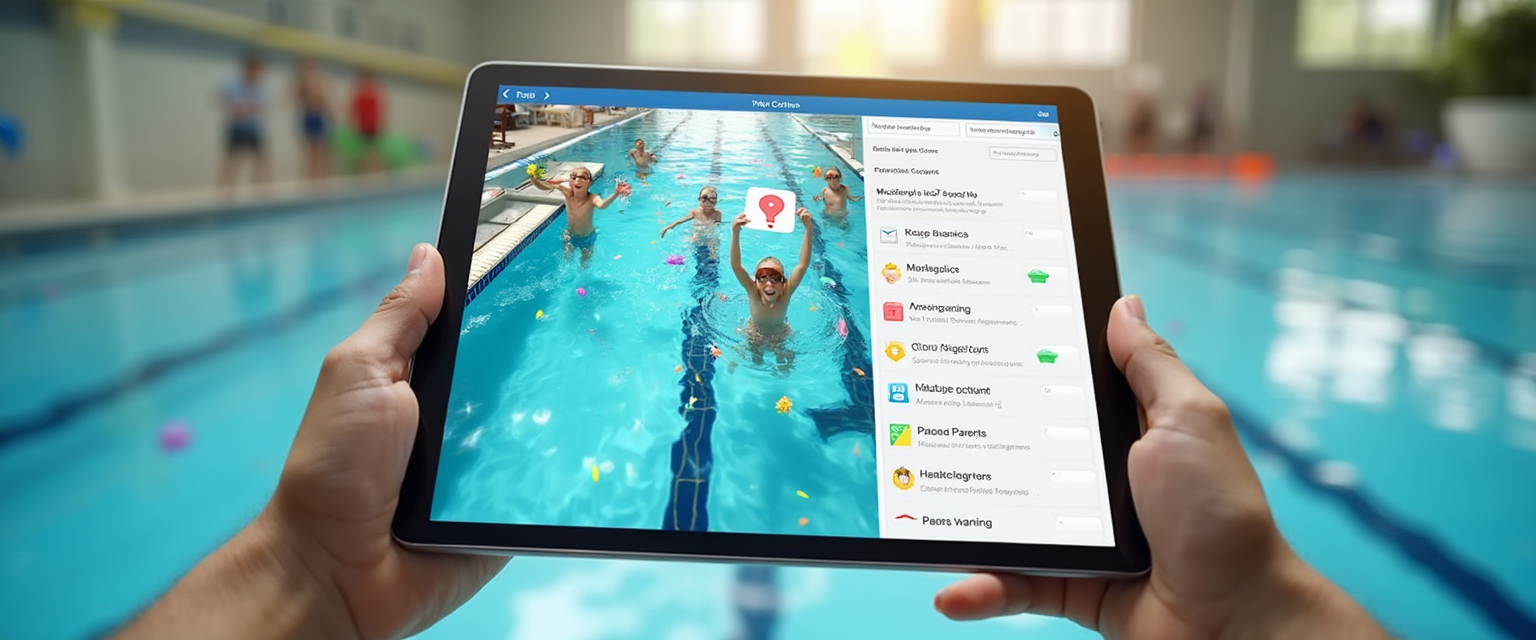
The system automatically registers which lessons have been attended and which have not. This happens in real time from the poolside via tablet or phone, making manual administration unnecessary. Absences are recorded and processed immediately. This provides a reliable overview without extra work for the instructor.
Parents can always see whether their child was present at the lesson. This prevents misunderstandings and simplifies communication. Moreover, make-up lessons are linked to the original absence, so the system maintains an overall overview. This contributes to efficient planning and administration.
Overview of child's progress
Through the parent portal, parents get a clear overview of their child's swimming skills and progress. Achieved goals and diplomas are visible so parents know where their child stands. This overview is regularly updated and always accessible.
Additionally, parents can see which lessons have been attended and which still need to be made up. This helps with planning and motivating the child. The overview also supports communication with the swimming school, so questions can be answered quickly.
Group composition and flexibility
The group composition within the system is flexible and can be easily adjusted to the current situation. This means groups can be split or merged based on level or availability. This keeps the lesson group appropriate for the children's development.
Make-up lessons can also be scheduled without disrupting the regular group composition. This makes it possible to respond quickly to absences. The flexibility contributes to a smooth flow of swimming lessons and better use of available lesson times.
5. Usage tips and points of attention
In this chapter, we discuss practical tips for using the parent portal when canceling and making up swimming lessons.
We cover logging in and correctly using data, the importance of good communication with the swimming school, and regularly checking and scheduling lessons.
These points help parents and instructors keep the process smooth and clear.
Logging in and using data
Parents log in with the child's name and the last four digits of the swim pass to access the portal.
It is important to enter personal data carefully to avoid errors when canceling.
Through the portal, cancellations can be submitted and make-up lessons scheduled within the available options.
An example is choosing a suitable date for a make-up lesson, which becomes immediately visible in the child's profile.
Communication with the swimming school
Good communication with the swimming school prevents misunderstandings about cancellations and make-up moments.
Parents can send messages or ask questions about making up lessons via the portal.
It is also advisable to contact management for a suitable solution in case of long-term absence.
This way, everyone stays informed and the process remains transparent and efficient.
Regularly checking and scheduling
Regularly logging in and checking the overview of lessons and make-up options prevents lessons from being lost.
By planning in time, parents can use available make-up moments, for example the extra lessons offered every five weeks on Saturdays.
It also helps to coordinate the child's schedule with other activities so the swimming journey runs smoothly.
A fixed routine of checking the portal contributes to good progress in swimming lessons.

Summary
Summary of efficiently tracking swimming lessons with the parent portal
The parent portal makes canceling and making up swimming lessons simple and clear. Parents log in with the child's name and the last four digits of the swim pass.
The system automatically registers attendance at swimming lessons. This prevents manual administration and provides real-time insight into swimming lesson progress.
Make-up lessons can be scheduled via the portal at available times. The system ensures clear scheduling without overlaps.
The cancellation procedure is user-friendly and includes a system of cancellation credits. These credits can be used to make up missed lessons.
Why a digital tracking system helps
The digital tracking system provides parents and instructors with direct insight into attendance and progress. This increases transparency and reduces misunderstandings.
Additionally, the system saves time by automating administrative tasks. Communication between parents and the swimming school runs more smoothly via the portal.
Parents can follow the swimming lesson schedule and progress 24/7 via smartphone or computer. This makes supporting the learning process easier and clearer.
Dear reader, this blog post was about canceling and making up swimming lessons via the parent portal.
We would love to hear if you have experience using the parent portal for swimming lessons. Feel free to leave a comment below this article.
You can try Swimmigo for free via https://swimmigo.com. We hope this can help you organize swimming lessons.

Bob van Soest
As an expert in operating sports facilities (such as swimming pools) and developer of, among others, Swimmigo.com, I am passionately committed to making swimming lessons simpler, more fun and more insightful for parents, swimming instructors and everyone who wants to learn to swim.
Frequently Asked Questions

Discover Swimmigo
The all-in-one app for swimming lesson progress. For parents, swim schools, and adult swimmers.